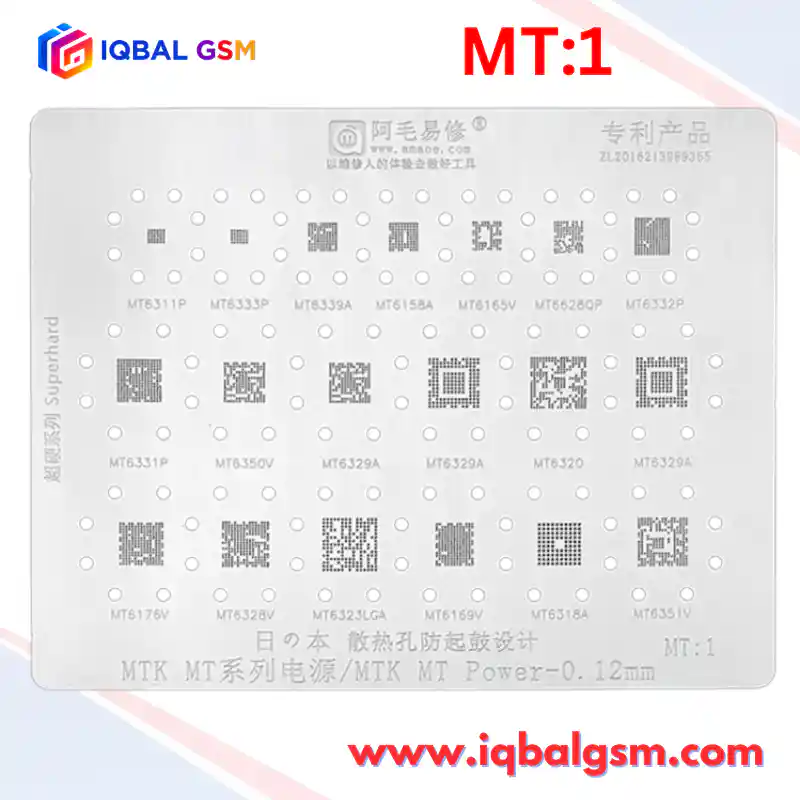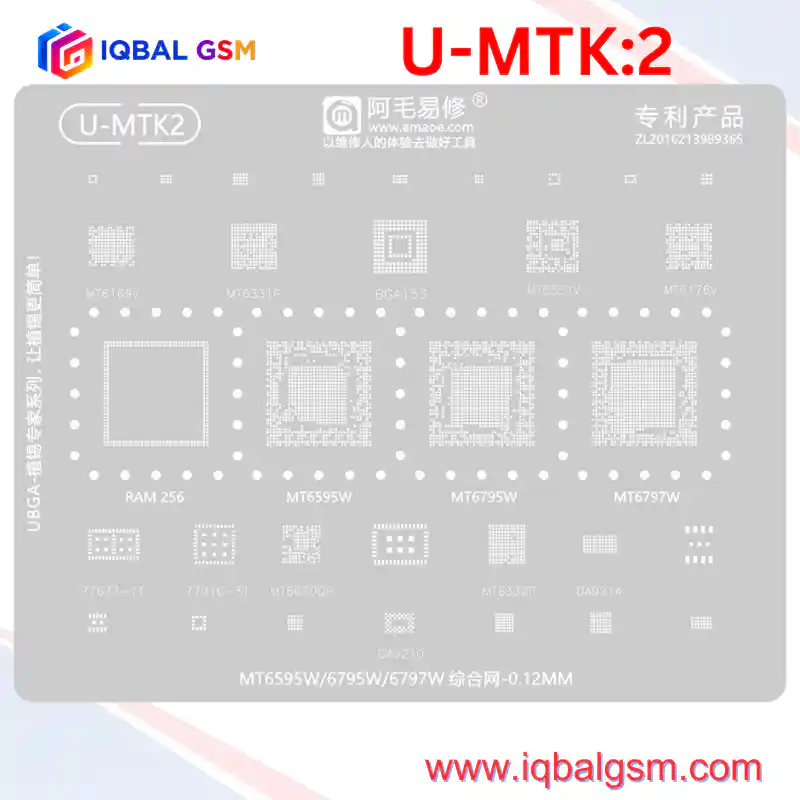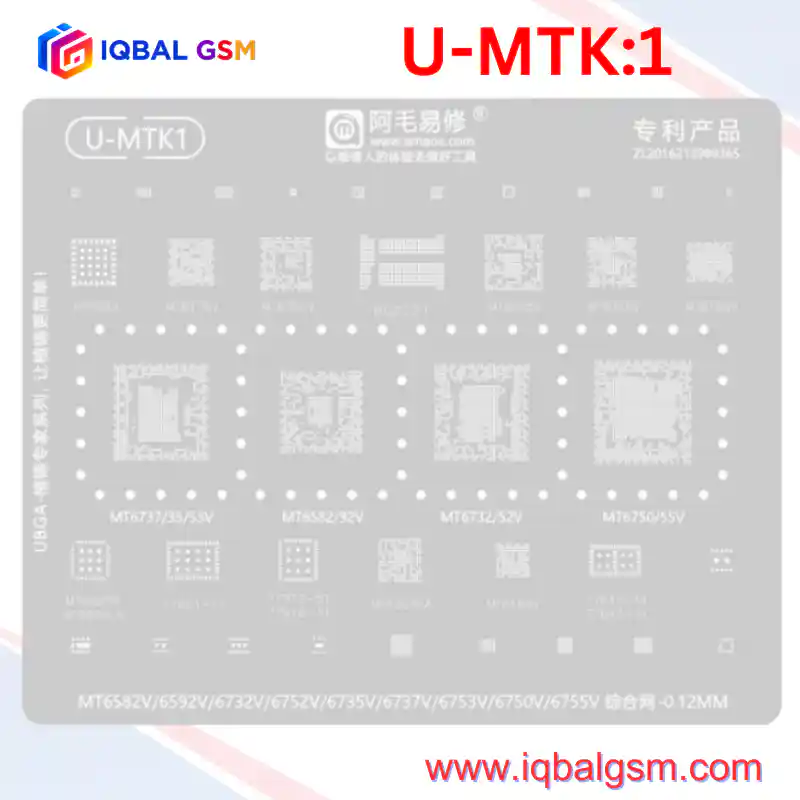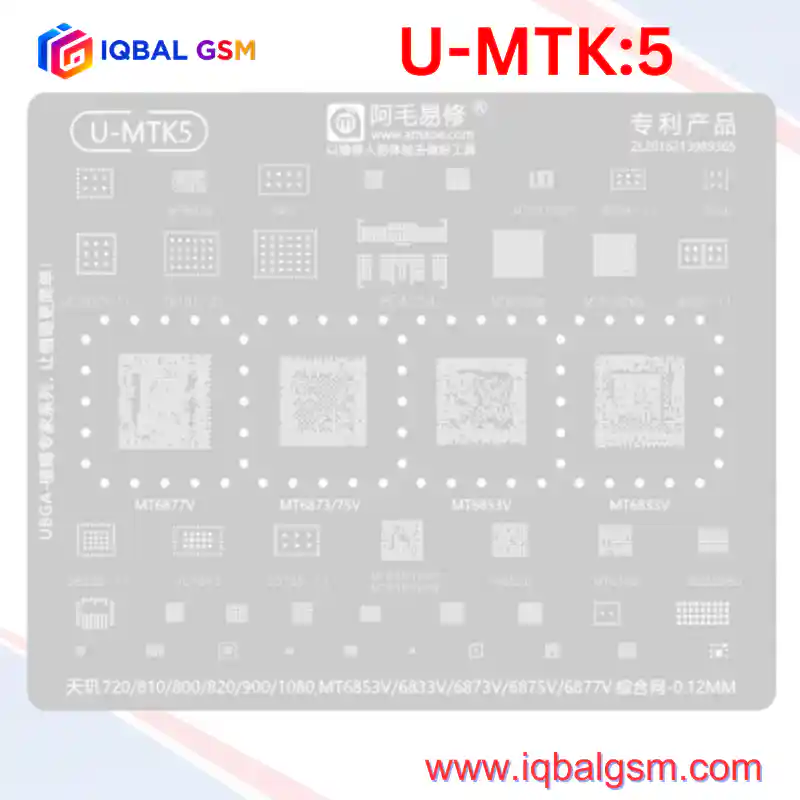

MU-1
As low as
Rs 700.00
Worldwide shipping · Cash on Delivery
Product Details
================================================================================
1. CHIP-LEVEL HARDWARE ARCHITECTURE & SILICON TOPOLOGY (MTK MU:1)
================================================================================
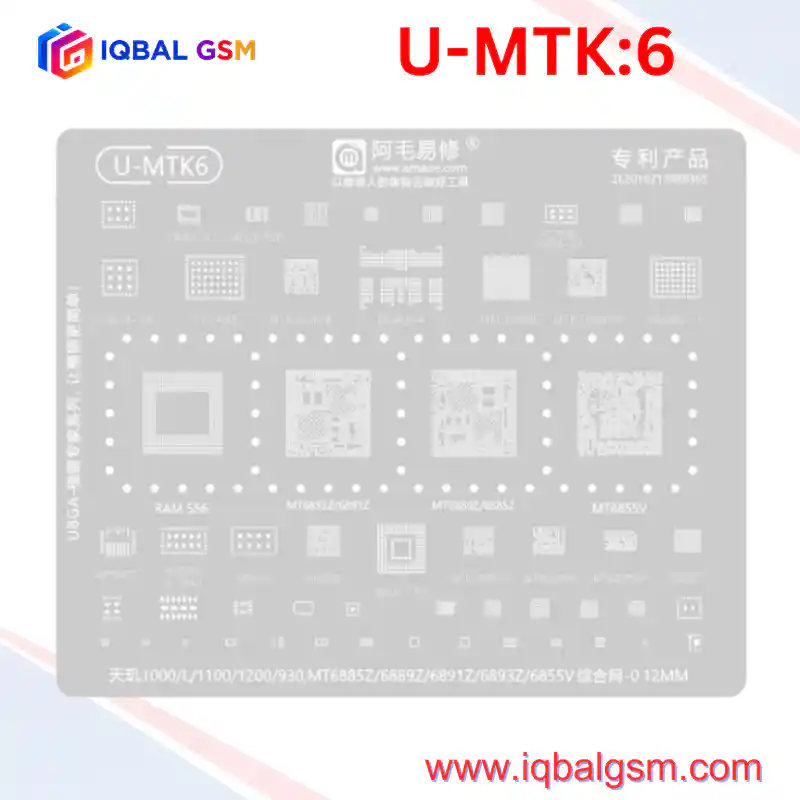
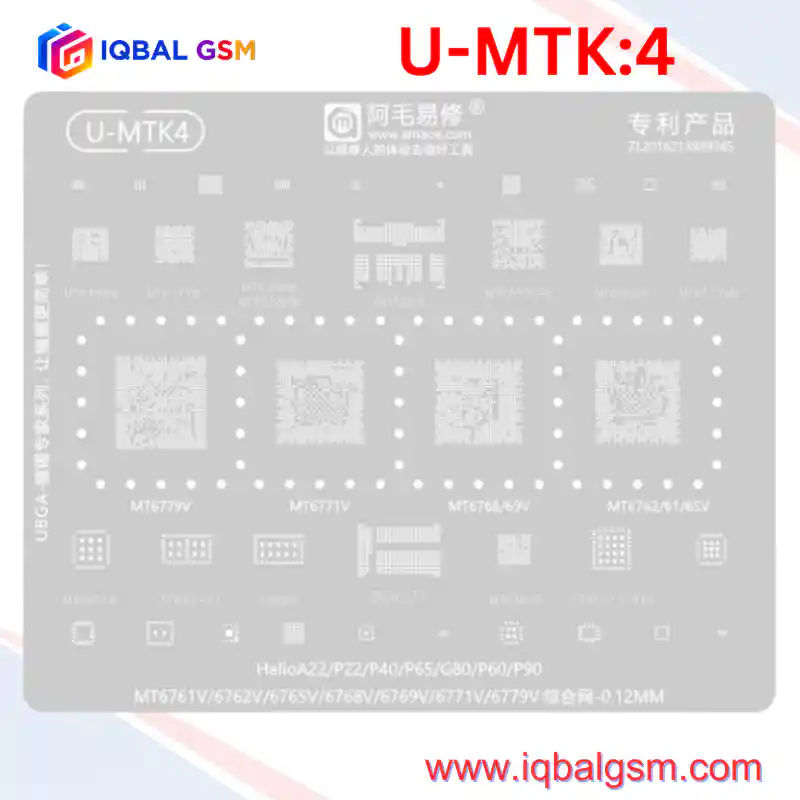
The AMAOE MU:1 stencil is an essential workbench tool engineered specifically for MediaTek's
first wave of true multi-core 64-bit processors and flagship Package-on-Package (PoP) assemblies:
A. APPLICATION PROCESSORS & SILICON PACKAGING:
- Helio X20 / X25 (MT6797W) Deca-Core Platform:
* Architecture: 20nm HPM process node.
* Core Clustering: 2x Cortex-A72 @ 2.3 GHz - 2.5 GHz (Max Performance) + 4x Cortex-A53 @ 2.0 GHz
(Medium Load) + 4x Cortex-A53 @ 1.4 GHz (Low-Power Efficiency) with Mali-T880 MP4 GPU.
* Thermal Failure Modes: Solder fatigue and micro-cracking occur across the central VDD_CPU
high-current buck array and peripheral ground balls under sustained thermal cycling.
Symptoms: Spontaneous reboots under load, bootlooping on the vendor logo, or a completely dead
board dropping into MTK USB Preloader mode.
- Helio X10 (MT6795W) True Octa-Core Platform:
* Architecture: 28nm HPM process with 8x Cortex-A53 cores operating up to 2.2 GHz.
* Packaging: Utilizes stacked Package-on-Package (PoP) memory architecture with a dedicated
interposer contact ring on top of the base SoC to connect dual-channel LPDDR3 SDRAM.
- MT6750 / MT6755 (Helio P10) & MT6732 / MT6752:
* 28nm high-volume platforms found across millions of mid-range smartphones. Solder fractures
frequently occur around the outer corner anchor balls following physical drops.
B. PACKAGE-ON-PACKAGE (PoP) MEMORY COUPLING:
- On MT6795W and MT6797W platforms, the system memory is not placed separately on the PCB;
it is stacked directly on top of the processor.
- The "MTK RAM" aperture on the MU:1 stencil reballs the bottom ball grid of the upper memory
package, ensuring coplanar solder height across all 200+ memory address, data, and clock pins.
- Diagnostic Rule: If a device exhibits 70 mA - 120 mA jumping current on a DC bench power supply
without display or boot progress, the upper PoP memory solder joints are fractured or open-circuit.
================================================================================
2. SOLDER ALLOY SELECTION & TEMPERATURE HIERARCHY
================================================================================
Because MT6795W and MT6797W utilize stacked Package-on-Package (PoP) memory alongside
0.12 mm stencil apertures, adhering to the dual-temperature alloy strategy is mandatory:
- Bottom Tier (Base SoC: MT6797W, MT6795W, MT6595, MT6750 to Motherboard):
* Primary Solder Paste: Sn63/Pb37 Eutectic Alloy (Melting Point: 183°C).
* Mesh Particle Size: Type 4 (20 - 38 microns) or Type 5 (15 - 25 microns) ultra-fine powder.
- Upper Tier (RAM onto SoC Interposer Ring):
* MANDATORY Low-Temperature Solder: Sn42/Bi58 Alloy (Melting Point: 138°C) or Sn62/Pb36/Ag2 (179°C).
* Critical Rule: The upper RAM reflow temperature (235°C - 245°C air) must not reach the 183°C
melting point of the lower SoC balls, preventing bridging and inter-ball collapse under CPU weight.
================================================================================
3. TIER-4 PoP SEPARATION & REBALLING WORKFLOW
================================================================================
STEP 1: PRE-HEATING & PoP RAM SEPARATION
1. Secure the motherboard in a dedicated high-mass CNC logic board fixture. Mask surrounding plastic FPC
connectors, SIM trays, and cameras with dual-layer aluminum heat-deflector tape.
2. Bottom Pre-Heat: Set bottom preheater to 145°C - 155°C across the board underside.
3. Apply tacky flux around the perimeter of the LPDDR3/4 RAM chip stacked atop MT6795W/MT6797W.
4. Hot Air Wand: Set to 350°C - 360°C with an 8 mm circular nozzle (airflow 45%).
5. Heat the RAM in continuous rectangular motions from 1.5 cm distance for 30 seconds.
6. Insert an ultra-thin 0.06 mm curved separation blade into the corner epoxy seam between the RAM
and SoC. Lift the RAM vertically off the SoC interposer ring without applying downward pressure.
7. Reheat the lower SoC (MT6797W/MT6795W) to 360°C and lift straight off the motherboard.
STEP 2: PAD RESURFACING & EPOXY REMOVAL
1. Lower hot air to 250°C. Apply moderate RMA flux and gently remove softened black underfill glue
from the PCB pads and IC package margins using a non-scratch copper scraper blade.
2. Tin the footprint pads with 183°C leaded solder using a 330°C micro-soldering iron (C210-K knife tip).
3. Lay high-purity copper desoldering wick across the pads and glide the flat iron face across the
wick without applying downward pressure.
4. Level the IC base pads until smooth and planar. Clean with 99.9% IPA until mirror-clean.
STEP 3: REBALLING WITH THE AMAOE MU:1 STENCIL
1. Seat the cleaned IC into a magnetic reballing fixture.
2. Overlay the corresponding aperture on the MU:1 stencil:
- For Helio X20/X25, align with "MT6797W".
- For Helio X10, align with "MT6795W".
- For MT6595, align with "MT6595".
- For MT6750/MT6755, align with "MT6750".
- For upper PoP RAM, align with "MTK RAM".
3. Verify that the circular anti-bulging expansion holes surround the chip perimeter to prevent
stencil warping under heat.
4. Spread Sn63/Pb37 paste into the apertures at a 45° angle with a flexible steel spatula. Wipe the
surface 100% clean of excess solder beads.
5. Hold the stencil down firmly at the margins with bent-tip titanium tweezers.
6. Direct hot air at 310°C - 325°C (airflow 25% - 30%) 3 cm above the stencil, moving inward.
Observe the paste coalesce into uniform spherical balls.
7. Allow 8-10 seconds to cool and solidify before lifting the stencil vertically.
8. Apply a drop of liquid flux and pass hot air for 3 seconds at 300°C for final spherical centering.
STEP 4: TWO-STAGE INSTALLATION
1. Stage 1 (Base SoC to Motherboard):
- Apply a micro-thin film of tacky flux across the PCB pads (shiny, not flooded).
- Align the SoC to the silkscreen corner brackets (Pin 1 orientation matched).
- Reflow with hot air at 345°C - 355°C (bottom preheat at 150°C). When surface tension centers the
chip, verify with a gentle 0.1 mm tweezer nudge test.
2. Stage 2 (PoP RAM onto SoC Interposer):
- Cool the board completely to room temperature.
- Apply a micro-layer of low-viscosity flux across the upper SoC contact ring.
- Align the reballed RAM (Pin 1 dot aligned to SoC Pin 1).
- Reflow at 240°C - 250°C (if using 138°C low-melt paste) or 310°C (if using 179°C paste) with low
airflow (25%). The lower 183°C SoC base solder joints remain completely solid and undisturbed.
================================================================================
4. ELECTRICAL DIAGNOSTICS & FAULT MATRIX
================================================================================
1. Diode-Mode Impedance Verification (Unpowered board, Red probe to GND, Black probe to test point):
- VCORE / VPROC Inductors (MT6331P / MT6351V) : 0.025 V - 0.080 V (Normal low-impedance buck loop).
- VIO18 (1.8V System I/O Rail) : 0.380 V - 0.480 V (Short indicates PMIC/SoC bridge).
- VBAT / Primary Battery Rail : 0.420 V - 0.540 V.
- LPDDR RAM VDD1 / VDD2 : 0.280 V - 0.410 V.
2. DC Power Supply Boot-Up Analysis (4.0V DC Input on VBAT):
- 0.000 A Standby: Normal prior to pressing Power button.
- Fixed 35 mA - 55 mA Current: Primary PMIC has initiated, but the 26 MHz system master clock
is missing, or the CPU is holding reset low.
- Jumping 70 mA -> 130 mA -> Drops to 0 mA: CPU has initialized; upper PoP RAM is open/unseated,
or eMMC storage has corrupt preloader firmware. Re-seat or reball the upper RAM layer.
- Normal Boot Progression: Steps steadily from 90 mA -> 260 mA -> 600 mA -> 1.1 A+ into Android OS.