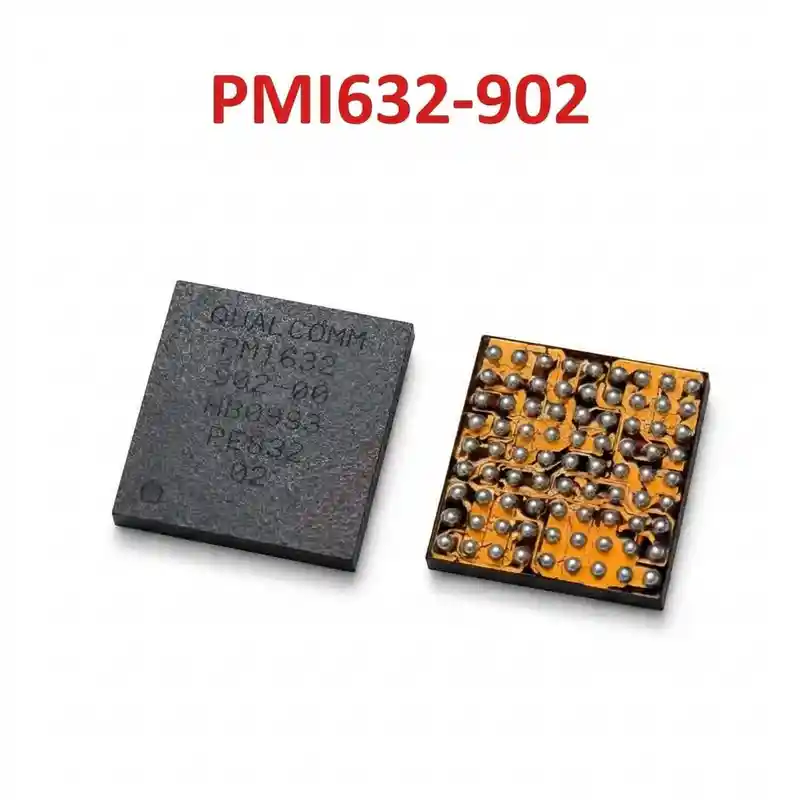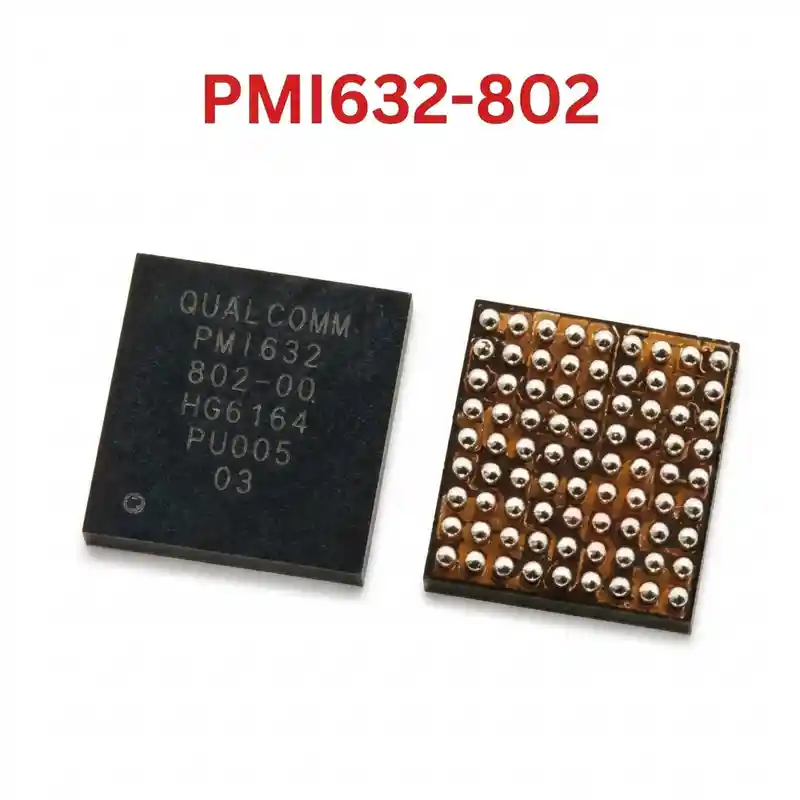

PMB6848 IC
As low as
Rs 200.00
Worldwide shipping · Cash on Delivery
Product Details
====================================================================================================
INTEL PMB6848 / BBPMU_K (INTEL X-PMU 748) IPHONE 8/8P/X BASEBAND PMIC REPAIR GUIDE
====================================================================================================
1. PRODUCT IDENTIFICATION & SILICON SPECIFICATIONS:
----------------------------------------------------------------------------------------------------
- Silicon Laser Marking: PMB6848 (Apple Board Designation: BBPMU_K / U_PMIC_K)
- Commercial Hardware Name: Intel® X-PMU 748 (Part of Intel XMM 7480 Modem Subsystem)
- Silicon Manufacturer: Intel Mobile Communications / Infineon Technologies
- Semiconductor Process Node: Advanced Low-Power RF-CMOS Node
- System Classification: Dedicated Cellular Baseband Power Management Unit (BBPMIC)
- Associated Modem Platform: Intel XMM 7480 LTE Advanced (Cat 12/13 Gigabit Platform)
- Companion Baseband Silicon: Intel PMB9948 (Baseband Processor) + Intel PMB5757 (Dual SMARTi 5 Transceivers)
- Package Form Factor: Fine-Pitch Wafer-Level Chip-Scale Package BGA (WLCSP)
- Regulated Output Domains:
* Synchronous Step-Down Buck Converters:
- VDD_CORE_BB (Intel PMB9948 Baseband Digital Core): 0.85V – 1.05V Dynamic Voltage Scaling.
- VDD_MEM_BB / VDD_DDR (Baseband LPDDR Memory Supply): Clean 1.10V / 1.80V.
- VDD_SMARTI_BUCK (Main Transceiver Buck Rails): 1.05V – 1.30V.
* 15+ Ultra-Low Noise Linear (LDO) Regulators:
- PP1V8_SDRAM / VDD_EEPROM (1.8V Baseband Firmware EEPROM IC).
- VDD_SMARTI_LDO (2.85V & 1.8V Clean Analog Rails for Dual Intel PMB5757 RF Transceivers).
- Dedicated clean supplies for MIPI RFFE bus, RF switches, and Antenna Tuners.
* Clocks & Baseband Reset Architecture:
- 26MHz / 19.2MHz system reference clock buffer power supply.
- Baseband reset synchronization (BB_RST_N) interfacing with Apple A11 Bionic Application Processor.
2. COMPATIBLE SMARTPHONES (APPLE INTEL MODELS):
----------------------------------------------------------------------------------------------------
- Apple iPhone 8 (Intel Architecture):
* Model A1905 (Global / European / Asian Intel logic board)
- Apple iPhone 8 Plus (Intel Architecture):
* Model A1897 (Global Intel logic board)
- Apple iPhone X (Intel Architecture):
* Model A1901 (Double-layer sandwich logic board, Intel cellular tier)
*(Note: Qualcomm versions A1863, A1864, and A1865 utilize Qualcomm MDM9655 and PMD9655 PMIC)*
3. TYPICAL BOARD-LEVEL FAULT SYMPTOMS:
----------------------------------------------------------------------------------------------------
- "No Service" / "Searching..." (Searching for Cellular Network Constantly):
* Handset shows "Searching..." or "No Service" in status bar; dialing *#06# on keypad fails to display
the device IMEI number.
* Settings > General > About shows the "Modem Firmware" field completely blank.
* Cause: Defective PMB6848 failing to output VDD_CORE_BB or VDD_SMARTI supply rails to modem chips.
- "Cellular Update Failed" System Alert:
* iOS pops up a system warning stating that cellular data cannot be activated until the iPhone is updated,
caused by baseband power failure during initial network handshake.
- Primary Logic Board Short (VDD_MAIN Short Circuit):
* Breakdown of high-side buck MOSFETs inside PMB6848 shorts the logic board's primary power line directly
to ground (0.000V in diode mode), causing the bench power supply to trip overcurrent protection immediately.
- Extended Apple Logo Boot Hang:
* Handset takes 2–3 minutes to boot or remains stuck on the white Apple logo due to timeout waiting for
the baseband power OK signal (BB_PMU_RST_N) during iOS kernel initialization.
4. STEP-BY-STEP MULTIMETER TESTING & DIAGNOSTICS:
----------------------------------------------------------------------------------------------------
A. Cold Testing (Diode Mode Check - Board Powered Off, Battery Disconnected):
1. Place digital multimeter in Diode Mode. Connect RED probe to motherboard Ground shield (GND):
- VDD_MAIN Input Bypass Capacitors around PMB6848: Normal ~360mV – 460mV.
- VDD_CORE_BB Inductors: Normal ~120mV – 210mV (low impedance, must NOT read 0.000V).
- VDD_SMARTI Transceiver Buck Coils: Normal ~280mV – 380mV.
- PP1V8_SDRAM / EEPROM Supply Rail: Normal ~380mV – 480mV.
- Baseband Reset Test Points: Normal ~500mV – 650mV.
2. Short-Circuit Isolation:
- If VDD_MAIN or a baseband buck rail reads 0.000V, inject voltage (1.0V for core rails, 3.8V for VDD_MAIN)
limited to 1.5A. Observe board with thermal camera: if PMB6848 illuminates bright white, lift the IC.
B. Live Operating Voltage Check (Hot Testing):
1. Power on the iPhone with display connected or bench DC supply:
- Immediately measure output coils adjacent to PMB6848 (BBPMU_K):
* VDD_CORE_BB buck inductor must measure 0.90V – 1.05V DC during network registration.
* Transceiver coils must output steady 1.05V and 1.8V DC.
* Baseband EEPROM pin 8 must receive clean 1.8V DC.
- If these rails pulse momentarily and drop to 0V, verify solder ball integrity between the upper
and lower logic board layers (on iPhone X) or replace PMB6848.
5. SOLDERING, REBALLING & REWORK SPECIFICATIONS:
----------------------------------------------------------------------------------------------------
- Extreme Thermal Sensitivity (Apple Dense Multi-Layer PCB):
* On iPhone 8/8P, PMB6848 sits close to the baseband CPU; on iPhone X, it is located on the lower RF tier
of the double-stacked logic board.
* Always shield neighboring baseband CPU (PMB9948) and EEPROM using thick copper coins and Kapton tape.
- IC Removal:
* Apply high-grade, non-corrosive RMA tacky BGA flux around PMB6848.
* Hot air rework station settings: 310°C – 320°C with 35% – 40% airflow (medium precision nozzle).
* Heat uniformly in circles for 30–45 seconds. When all solder spheres liquefy, lift the IC vertically.
- PCB Pad Cleanup:
* Apply 183°C leaded solder to motherboard footprint pads to lower the eutectic melting threshold.
* Level pads perfectly flat using copper desoldering braid and an iron tip set to 290°C – 300°C.
* Clean residual flux thoroughly with 99% Isopropyl Alcohol (IPA); inspect pads under microscope.
- Reballing Procedure:
* Use a dedicated 0.12mm middle-layer stencil compatible with iPhone 8/8P/X Intel Baseband PMIC.
* Squeegee 183°C (Sn63/Pb37) leaded solder paste uniformly into all stencil apertures.
* Reflow gently with hot air at 280°C – 290°C with low airflow (20%) until uniform solder spheres form.
- Alignment & Installation:
* Spread a microscopic, transparent film of BGA flux over PCB pads.
* Align Pin 1 orientation dot precisely with the PCB silkscreen corner indicator.
* Reflow at 305°C – 315°C with 35% airflow until chip self-centers on solder surface tension.
* Allow logic board to cool naturally to room temperature for 5 minutes before connecting DC power.
====================================================================================================
You may also like