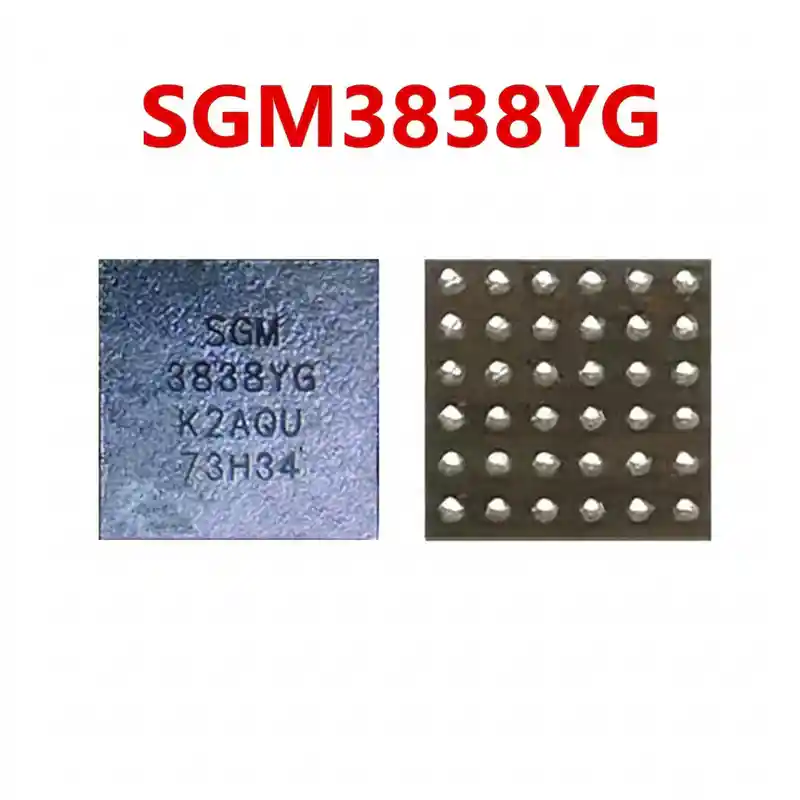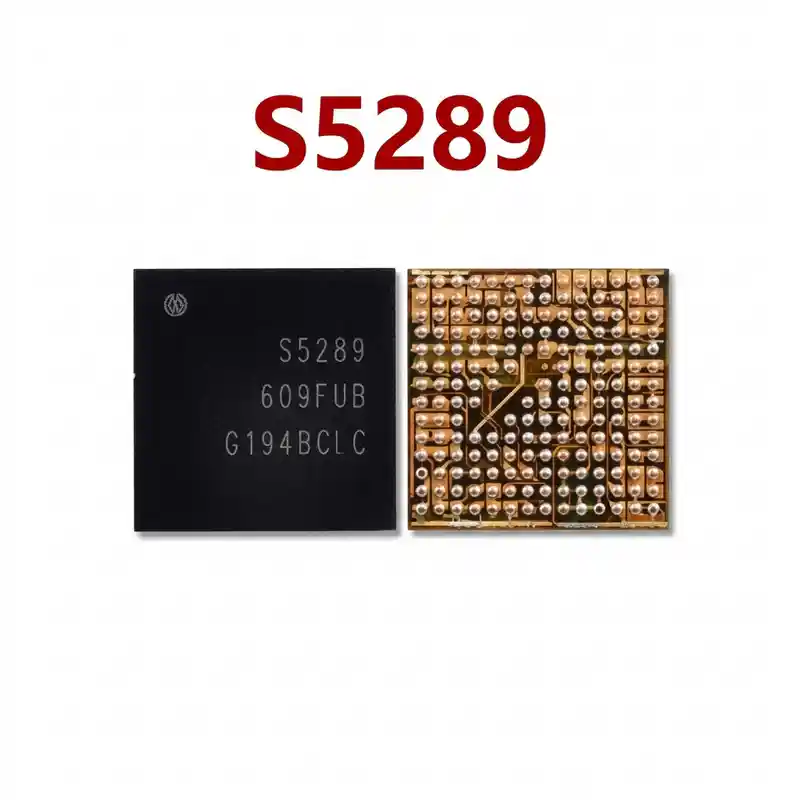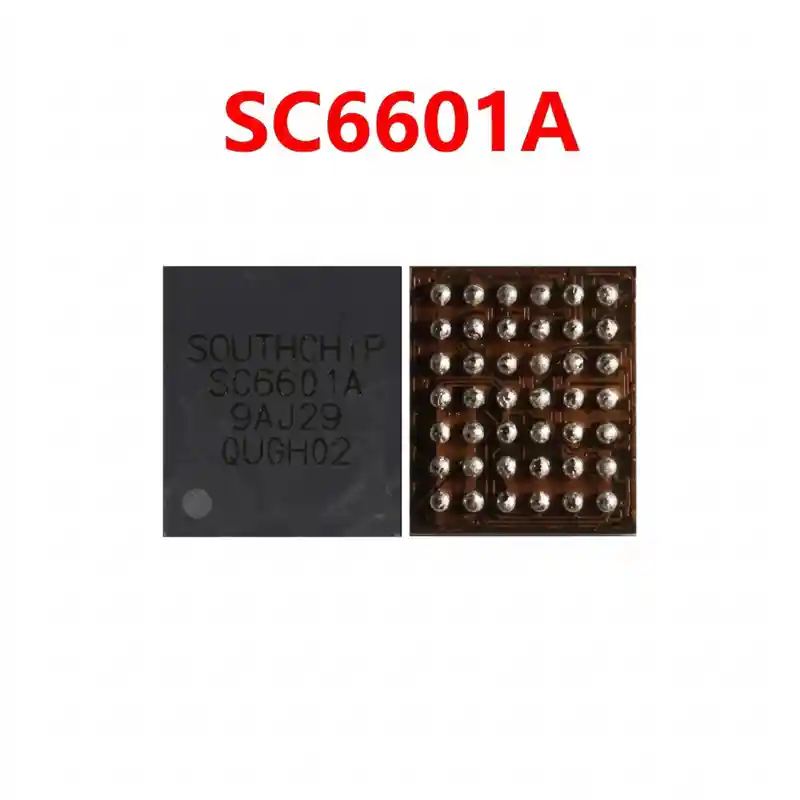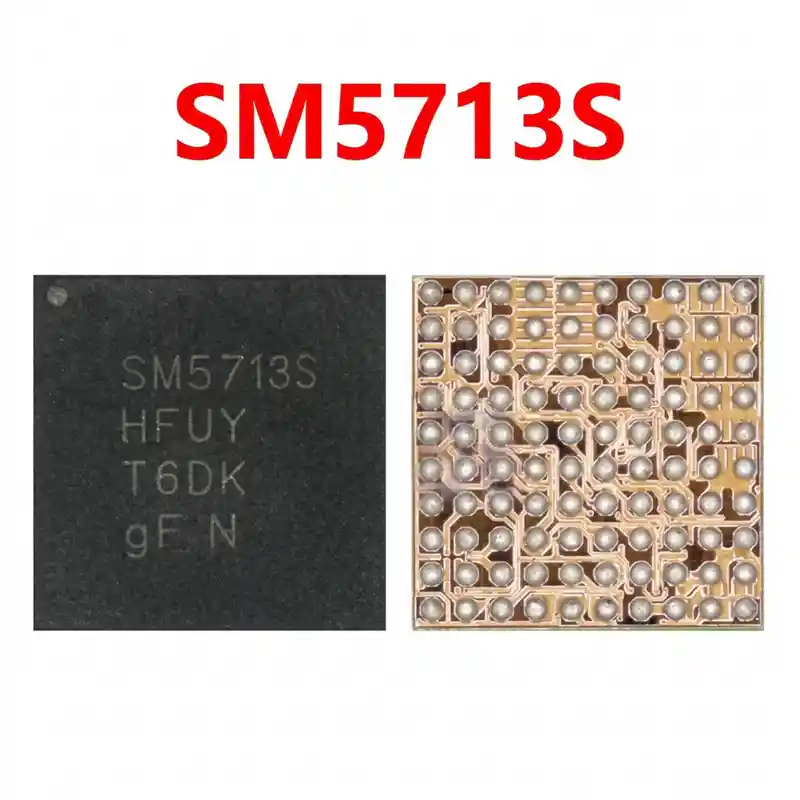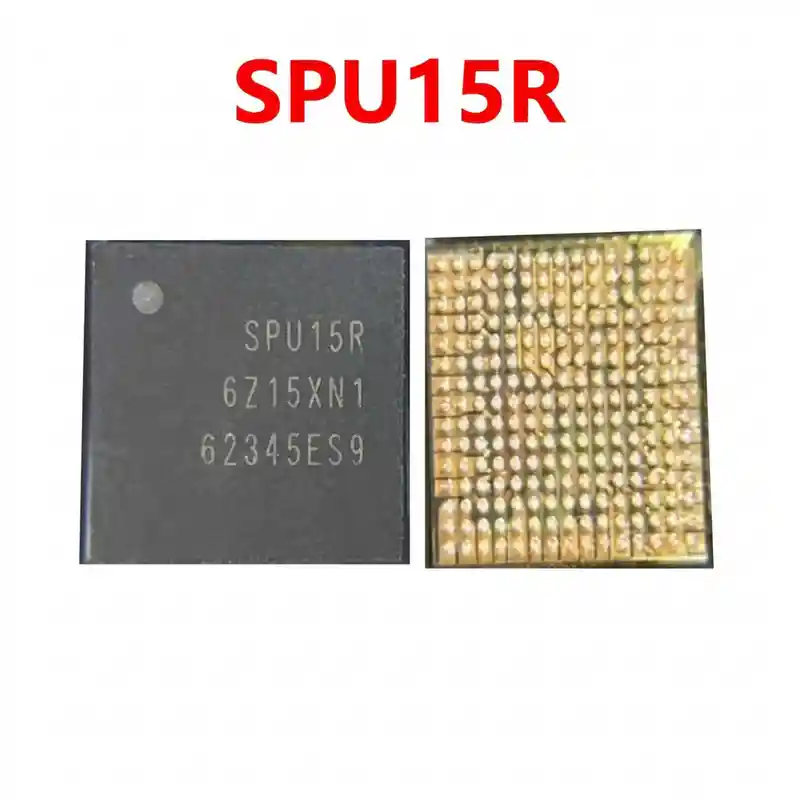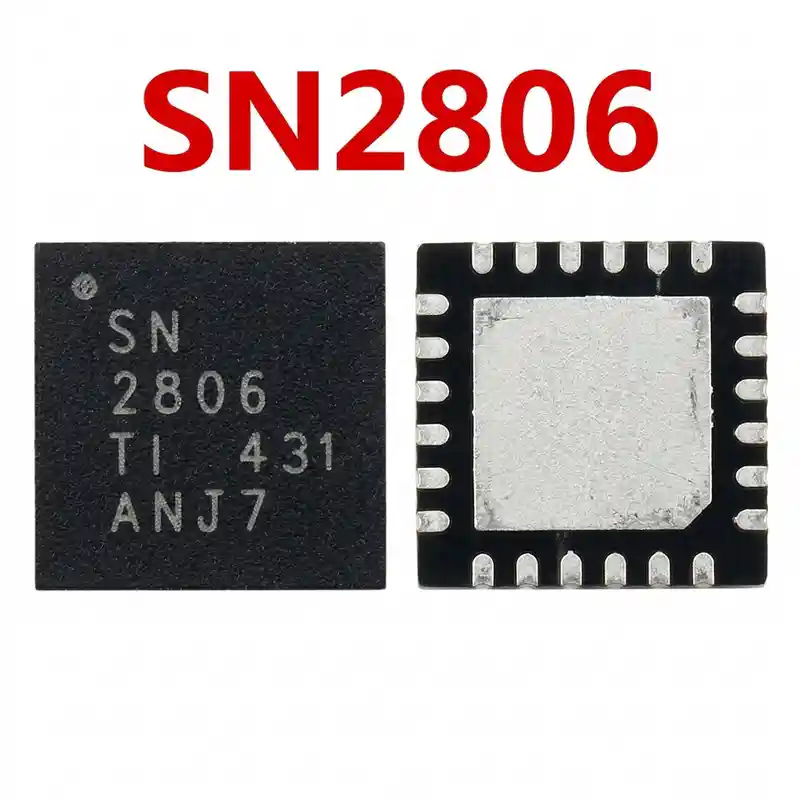

S2DOS05 IC
As low as
Rs 200.00
Worldwide shipping · Cash on Delivery
Product Details
====================================================================================================
SAMSUNG S2DOS05 / S2D0S05 DISPLAY POWER PMIC REWORK & DIAGNOSTIC GUIDE
====================================================================================================
1. FUNCTIONAL ARCHITECTURE & CIRCUIT ROLE:
----------------------------------------------------------------------------------------------------
- Super AMOLED Multi-Rail Power Generation:
* Super AMOLED screens do not have a traditional LED backlight; each individual pixel emits light and
requires precise dual-polarity power rails generated by S2DOS05:
1. ELVDD (+4.6V DC): Synchronous boost converter output providing positive operating voltage for OLED anodes.
2. ELVSS (-1.4V to -4.4V DC): Inverting buck-boost / charge pump output providing negative bias for OLED cathodes.
3. AVDD (+7.0V to +7.6V DC): High-voltage analog supply rail for gate driver and source driver circuits.
4. VDDIO / VCI (1.8V / 3.0V): Logic rails for the display driver controller.
- Dynamic Brightness & Power Sequencing:
* Adjusts the negative ELVSS voltage dynamically depending on brightness levels to optimize power efficiency.
* Controlled by the Application Processor (AP) via MIPI DSI, I2C bus, and DISP_EN (Display Enable) signals
to prevent visible screen flicker or pixel flash during power on/off.
2. BOARD-LEVEL FAULT SYMPTOMS:
----------------------------------------------------------------------------------------------------
- Black Screen / No Display (Phone Vibrates, Rings & Boots Normally):
* The phone turns on, rings for incoming calls, vibrates, and connects to a PC, but the screen stays
completely black (even with a known-good tested AMOLED display assembly).
- Screen Flashes Once and Cuts Off:
* When pressing the power button, the Samsung logo flashes for a split second and disappears immediately,
caused by an unstable boost inductor or failing ELVDD/ELVSS output stage.
- Green Screen / Dim / Distorted Display:
* Screen turns greenish, dim, or washed out due to partial loss of the negative ELVSS voltage rail.
- Screen Goes Black Above 50% Brightness:
* The display functions normally at low brightness, but cuts out instantly when the brightness slider
is moved higher (internal switching FET unable to deliver peak current).
- Phone Completely Dead Due to VDD_MAIN Short:
* Internal high-side power MOSFET breakdown inside S2DOS05 causes a dead short to ground (0.000V) on the
primary system voltage line (VDD_MAIN / VBAT), preventing the phone from turning on.
- Localized Overheating:
* S2DOS05 becomes burning hot within 2 to 3 seconds of waking the screen.
3. STEP-BY-STEP MULTIMETER TESTING & DIAGNOSTICS:
----------------------------------------------------------------------------------------------------
A. Cold Testing (Diode Mode Check - Battery & Display Disconnected):
1. Set digital multimeter to Diode Mode. Place RED probe on PCB ground (metal shield frame) and probe
surrounding inductors and filter capacitors with the BLACK probe:
- VDD_MAIN Input Filter Capacitor: Normal reading is ~380mV to 500mV (0.000V indicates a primary short).
- ELVDD (+4.6V) Output Capacitors: Normal reading is ~460mV to 620mV.
- ELVSS (Negative Rail) Capacitors: Normal reading is ~520mV to 700mV.
- AVDD (+7.3V) Output Capacitors: Normal reading is ~500mV to 680mV.
- Display FPC Connector Pins: Measure corresponding pins on the motherboard display connector to ensure
no broken traces between S2DOS05 and the connector.
2. Short-Circuit Verification:
- If ELVDD or ELVSS reads 0.000V, remove the external filter capacitors first. If the short remains,
S2DOS05 has an internal short and must be removed.
B. Hot Testing (Phone Powered On with Display Connected):
1. Connect motherboard to a DC bench power supply and trigger boot:
- Check input voltage: Must show full battery voltage (3.8V to 4.2V DC) on the input capacitor.
- Measure ELVDD capacitor: Must rise to a stable +4.6V DC when the screen wakes up.
- Measure ELVSS capacitor: Must show a negative voltage (-1.4V to -4.0V DC).
- Measure AVDD capacitor: Must show ~+7.3V DC.
- If input voltage and DISP_EN signal (1.8V) are present but ELVDD/ELVSS remain at 0V, S2DOS05 is defective.
4. SOLDERING, REBALLING & REWORK SPECIFICATIONS:
----------------------------------------------------------------------------------------------------
- Micro WLCSP Silicon Package:
* S2DOS05 is a bare-die glass WLCSP BGA chip. Never use metal tweezers to apply downward mechanical pressure,
as glass die edges chip easily.
- Desoldering Procedure:
* S2DOS05 is positioned near processor shielding or display connectors. Cover surrounding plastic connectors
and micro-filters with double-layer Kapton and aluminum heat-reflective tape.
* Apply a small amount of non-corrosive RMA tacky flux around the chip perimeter.
* Hot air rework parameters: Temperature 325°C – 335°C, Airflow 25%–30%.
* Apply circular heat for 12–16 seconds. Once solder balls fully liquefy, lift the chip vertically.
- Motherboard Pad Cleanup:
* Apply a small dab of leaded solder paste (Sn63/Pb37, 183°C) to dilute high-temperature factory solder.
* Level and clean the motherboard micro-pads using fine copper desoldering braid at 280°C.
* Clean thoroughly with 99% pure Isopropyl Alcohol (IPA); verify under a microscope that no solder balls
or bridges remain.
- Reballing Procedure:
* Use a dedicated Samsung S-series / Note-series display PMIC BGA stencil (0.12mm thickness).
* Smooth 183°C leaded solder paste evenly into the apertures.
* Reflow with hot air at 275°C and low airflow (15%) until uniform, shiny solder balls are formed.
- Installation & Final Reflow:
* Spread a microscopic layer of tacky flux over the PCB pads.
* Align the Pin 1 corner index dot precisely with the motherboard silkscreen orientation mark.
* Reflow at 305°C – 315°C with 25% airflow. The chip will automatically center itself via solder surface tension.
* Allow the motherboard to cool down for 3 minutes before connecting the screen and testing display output.
====================================================================================================
You may also like