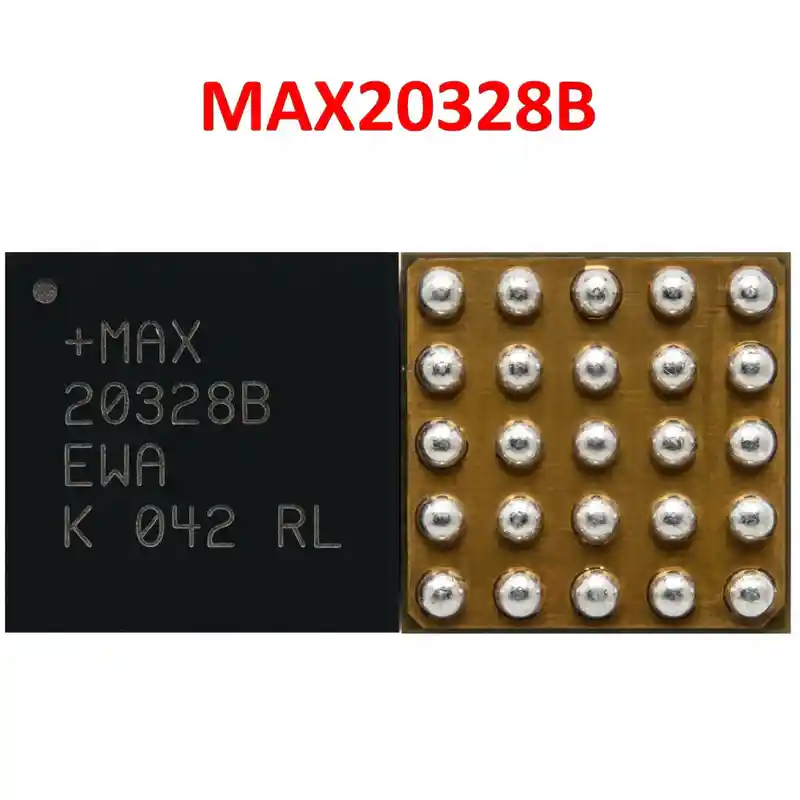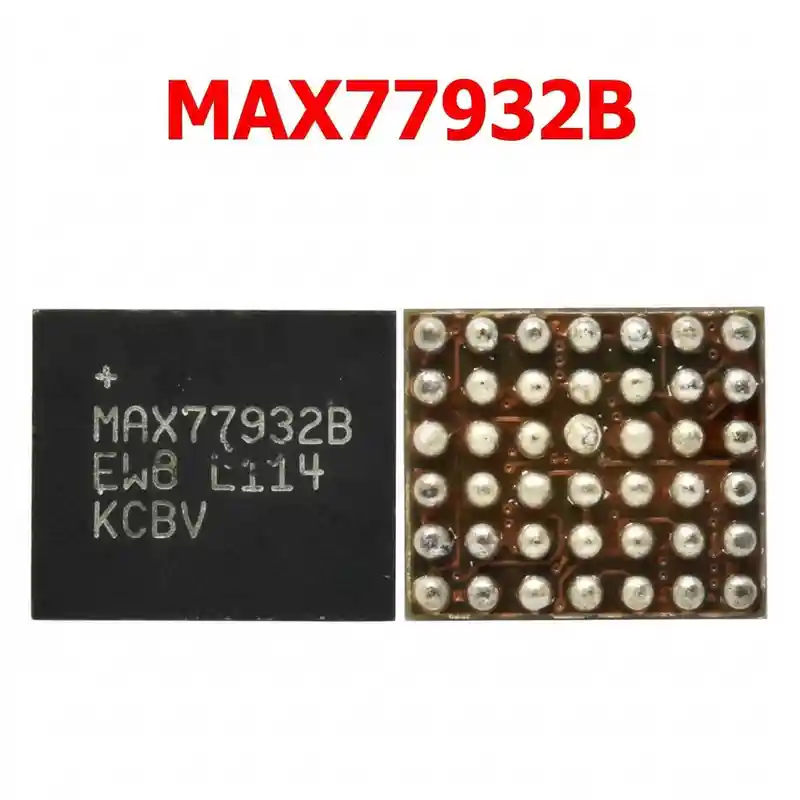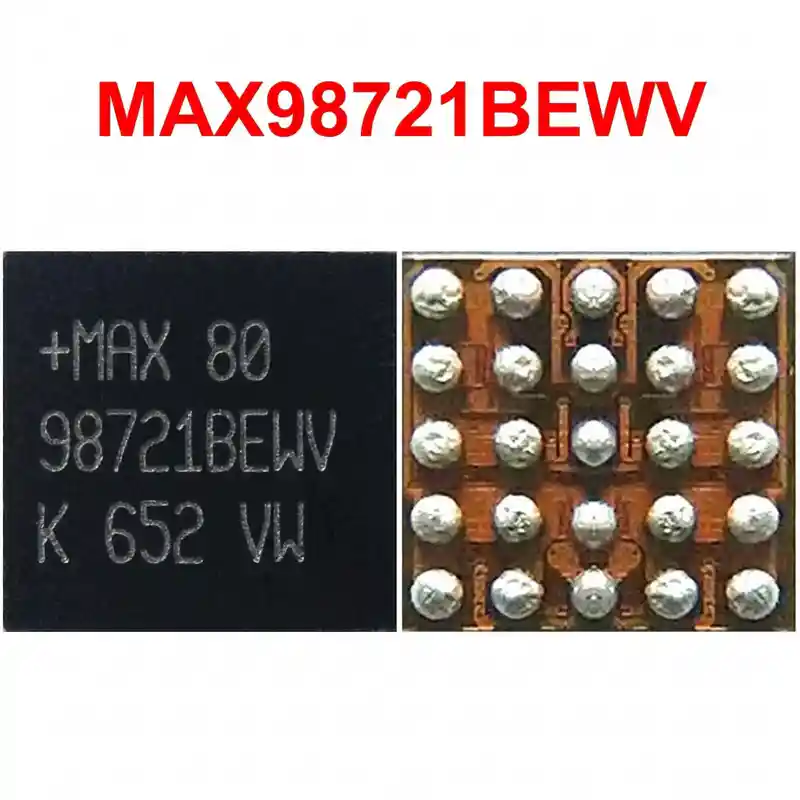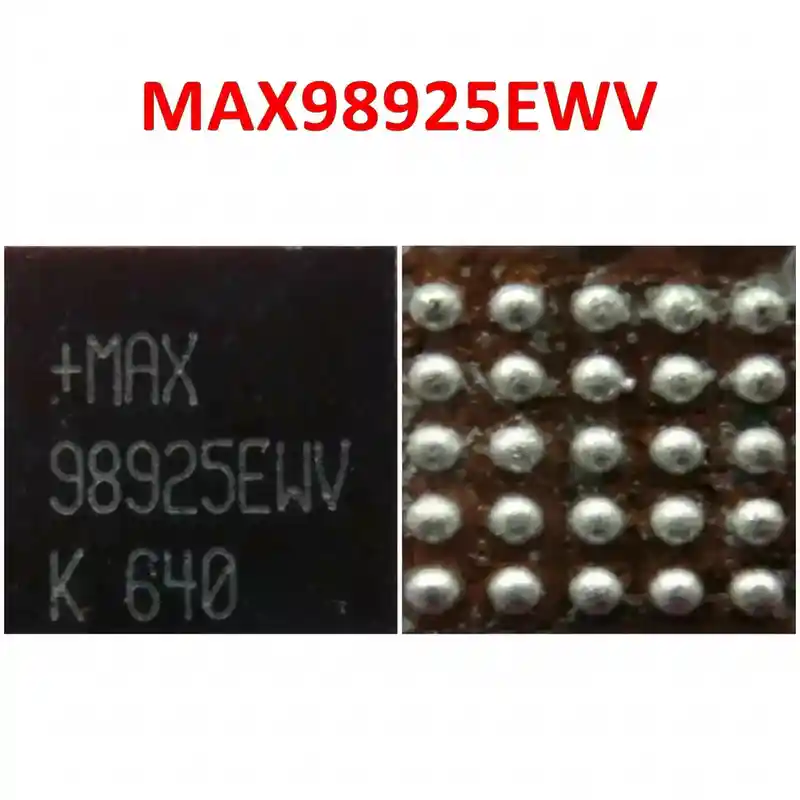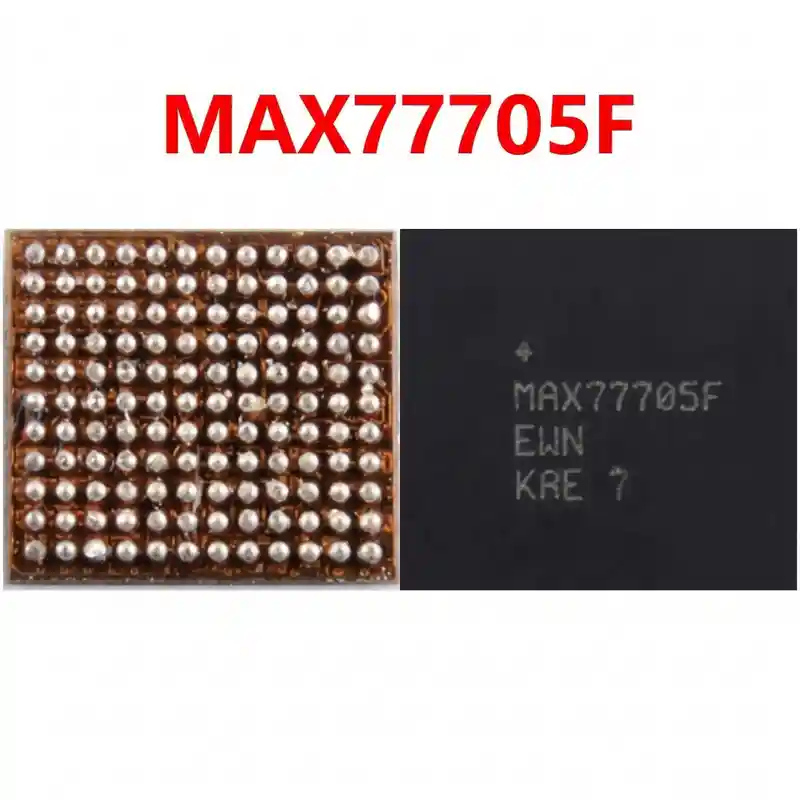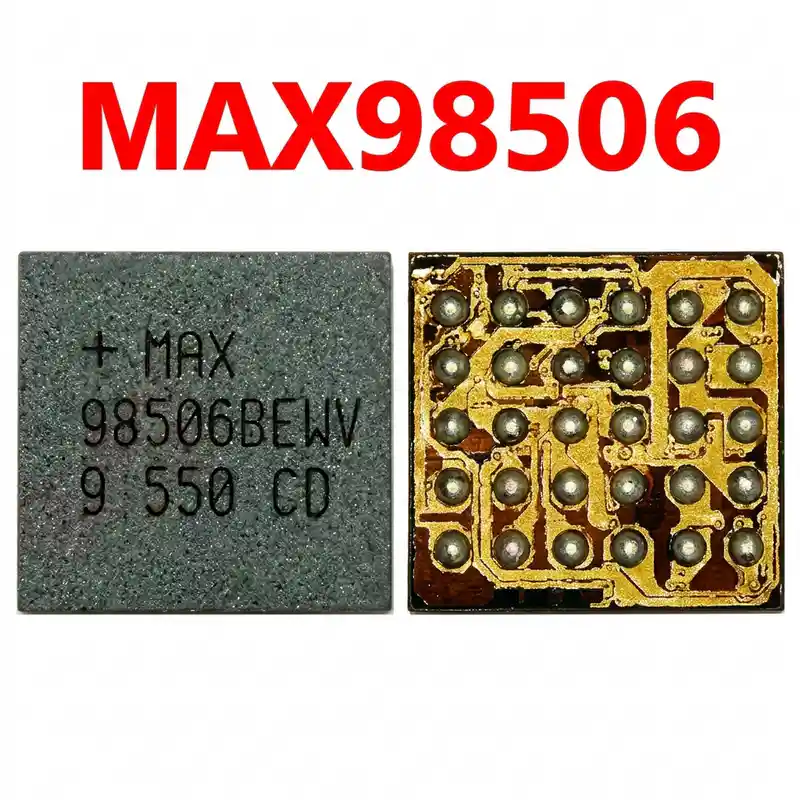

MAX77759A IC
As low as
Rs 0.00
Worldwide shipping · Cash on Delivery
Product Details
1. ARCHITECTURAL & CIRCUIT OVERVIEW
The MAX77759A is a dedicated master USB Type-C and battery management PMIC co-designed for Google Tensor platform devices. It integrates the USB Type-C Port Controller Interface (TCPCI), USB-PD PHY, switching battery charger, and system power path selector. Incoming VBUS (5V, 9V, 15V, or PPS voltage) enters the internal input field-effect transistors (FETs), monitored by high-voltage OVP (Over-Voltage Protection). The internal synchronous buck converter steps down VBUS to VSYS/VBAT to charge the single-cell Li-ion/polymer battery. Digital control and telemetry (voltage, current, thermal limits) are communicated to the main Tensor SoC over an I2C/TCPCI bus.
2. CHIP-LEVEL HARDWARE DIAGNOSTICS
A. USB Power Meter Diagnostics (Inline Type-C Ammeter):
- 0.00A Static Draw: Check CC1/CC2 lines. If CC pull-downs fail to detect cable insertion, MAX77759A cannot enable the VBUS input gate switch.
- 0.45A - 0.50A (5V) Fixed Draw: Fast charging negotiation failed. Indicates damaged CC line clamping diodes or defective internal TCPCI registers inside the MAX77759A.
- Cyclic 0mA -> 350mA -> 0mA Loop: The charger detects a short or over-current on VSYS/VBAT, triggering thermal/hiccup protection shutdown.
B. Cold Diode Mode Measurements (Multimeter in Diode Mode, Red probe on Ground, Black probe on test points):
- Measure VBUS input decoupling capacitors near the IC:
* Normal forward voltage drop: ~0.500V - 0.650V.
* Short to Ground (< 0.050V): Confirms shorted internal input protection FETs.
- Measure the main VSYS / VBAT switching inductor:
* Normal forward voltage drop: ~0.350V - 0.450V.
- Measure CC1 and CC2 test pads / filter chokes:
* Normal forward voltage drop: ~0.550V - 0.700V (both lines must read symmetrically within 5% tolerance).
* OL indicates open line to the Type-C port; <0.200V indicates an ESD clamp short.
- Measure I2C bus lines (SCL, SDA) and 1.8V IO supply:
* Normal forward voltage drop: ~0.450V - 0.550V.
3. THERMAL MANAGEMENT & SPECIAL WLP SAFEGUARDS
- Package Structure: The MAX77759A is a Wafer-Level Chip-Scale Package (WLP) consisting of a bare, unencapsulated silicon die with high-density micro-solder balls (0.35mm - 0.40mm pitch).
- Brittleness: Bare silicon dies are extremely sensitive to mechanical stress and thermal shock. Direct mechanical contact with tweezers on die corners can cause micro-fractures resulting in instant failure.
- Underfill / Glue: Google Pixel motherboards utilize tough black or transparent epoxy underfill around and beneath power ICs. All perimeter underfill MUST be chemically softened or mechanically removed at ~180°C - 200°C before attempting IC desoldering.
- Surrounding Protection: The Tensor SoC / PoP LPDDR RAM, main power management IC, and secondary charging buck (PCA9468) are located nearby. Apply double-layer Kapton tape topped with heavy aluminum heat shields over adjacent components.
4. STEP-BY-STEP REWORK PROTOCOL
A. Underfill Removal:
- Mount the motherboard in a dedicated CNC motherboard fixture.
- Set hot air station to 180°C - 200°C with 30% airflow.
- Warm the periphery of the MAX77759A. Use a precision curved dental probe or specialized curved underfill scraper to gently scrape away the perimeter black glue without scratching motherboard copper traces or dislodging adjacent 0201/01005 passive capacitors.
B. Chip Removal:
- Apply a small amount of high-grade tacky no-clean synthetic flux (e.g., Amtech NC-559-V2 or Kingbo RMA-218).
- Hot Air Settings: 330°C - 350°C with 35-40% airflow (6mm nozzle).
- Pre-heat the motherboard substrate from 4cm distance for 25-30 seconds to reach ~150°C.
- Direct air vertically onto the MAX77759A silicon die in gentle circular motions.
- As soon as the solder balls liquefy, lift the IC straight upward using precision vacuum suction or light tweezer grip on opposing center edges. Never pry from a corner.
C. Motherboard Pad Dressing:
- Apply fresh flux to the PCB footprint.
- Set micro-soldering iron to 310°C - 320°C using a micro-knife (K) or bevel (BC) tip.
- Melt leaded solder wire (Sn63/Pb37) across the pads to dilute high-melt factory lead-free solder.
- Gently glide fine copper desoldering wick across the pads without vertical pressure.
- Clean with 99.9% anhydrous Isopropyl Alcohol (IPA) and inspect under microscope: pads must be completely flat, with solder mask webs between micro-pads 100% intact.
D. Reballing / Stenciling:
- Use a dedicated Pixel 6/7/8 series PMIC stencil or a universal 0.35mm/0.40mm WLP BGA stencil.
- Solder Alloy: Medium-melt leaded solder paste (Sn63/Pb37, 183°C).
- Press stencil firmly against the clean die, apply paste uniformly, scrape off excess, and reflow at 250°C - 260°C under low airflow (15%).
- Allow cooling, release the stencil, apply a drop of flux, and reheat briefly to form spherical, uniform solder balls.
E. Soldering & Alignment:
- Apply a microscopic, transparent film of tacky flux to the PCB footprint (excess flux will float the miniature WLP die away from its pads).
- Align Pin 1 index dot precisely with the motherboard silkscreen white corner mark.
- Heat vertically at 320°C - 330°C with 25-30% airflow.
- Observe the die settling into position via molten solder surface tension.
- Perform a micro-nudge test with the tip of fine tweezers: touch the die lightly; if it springs back instantly, reflow is complete.
- Remove heat and allow the board to cool down naturally for 2 minutes.
5. POST-REWORK VERIFICATION
- Measure diode mode readings on VBUS, VSYS, and CC1/CC2 lines to verify zero solder bridges to ground.
- Clean residual flux with an ESD brush and IPA.
- Connect battery, plug in a Type-C USB-PD fast charger via an inline power meter.
- Verify USB-PD contract negotiation (voltage automatically negotiating from 5V up to 9V/15V PPS).
- Confirm charging current climbs to 2.0A - 2.8A, verify active battery accumulation in Android UI, and test reverse OTG functionality with a USB flash drive or wireless charging accessory.
You may also like