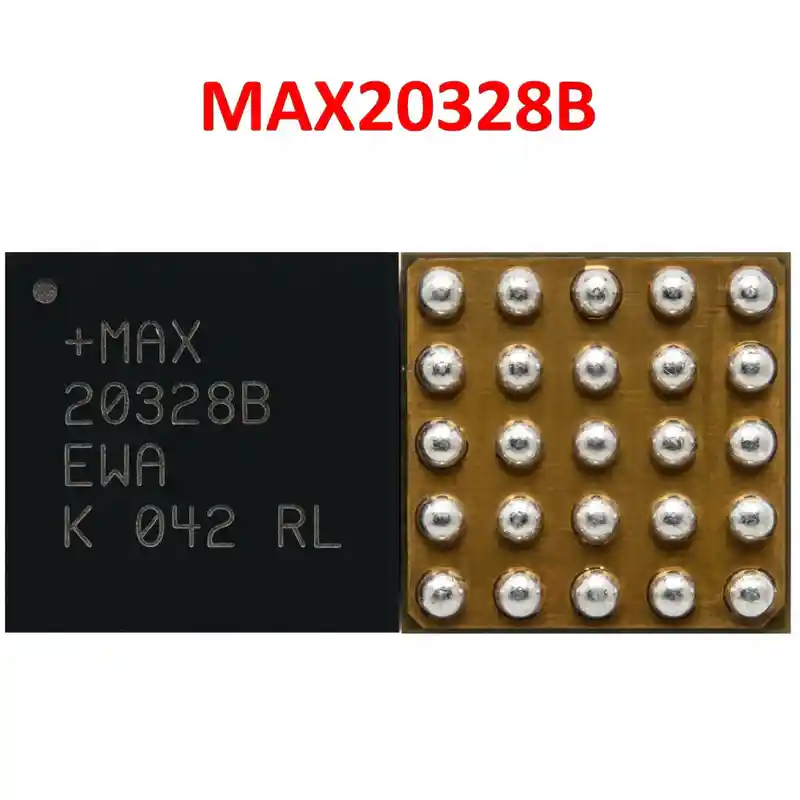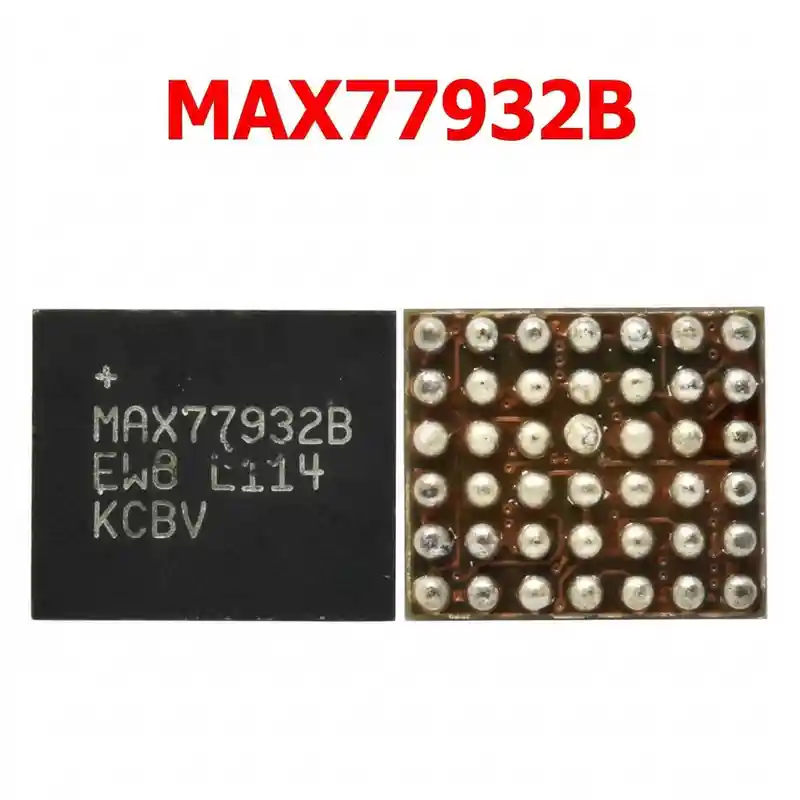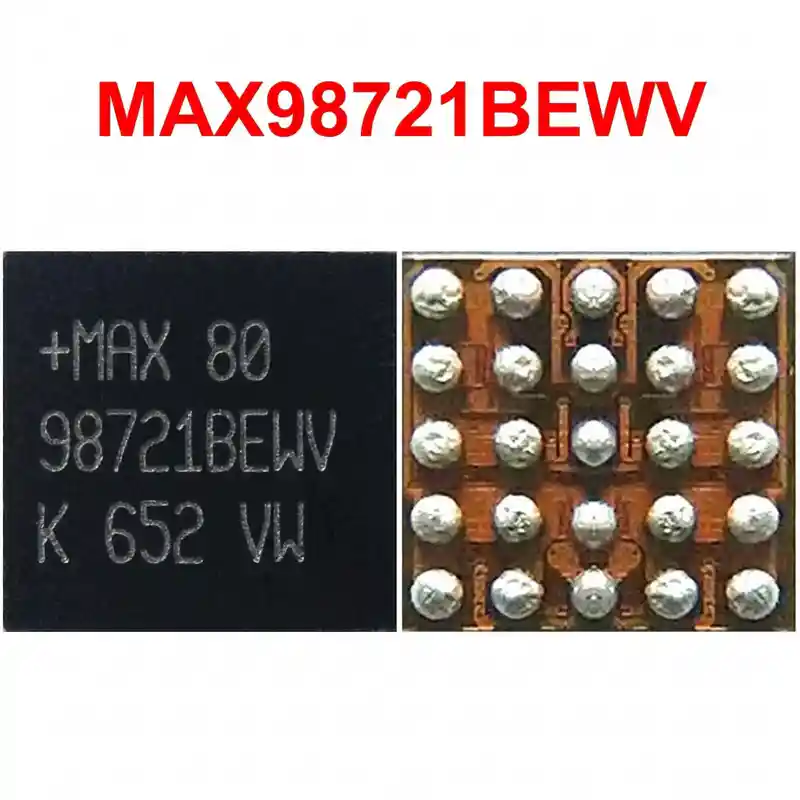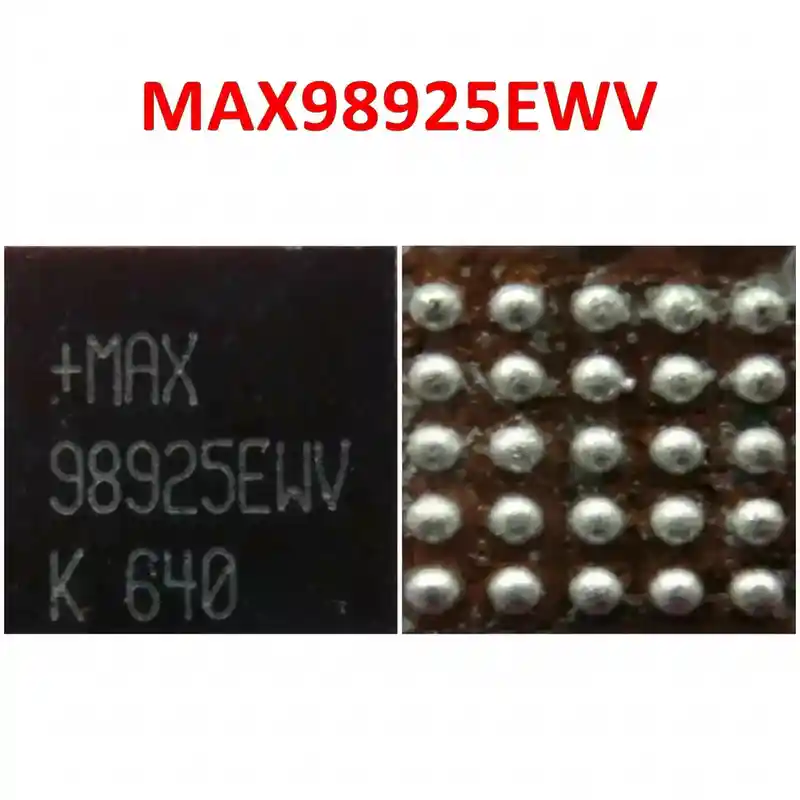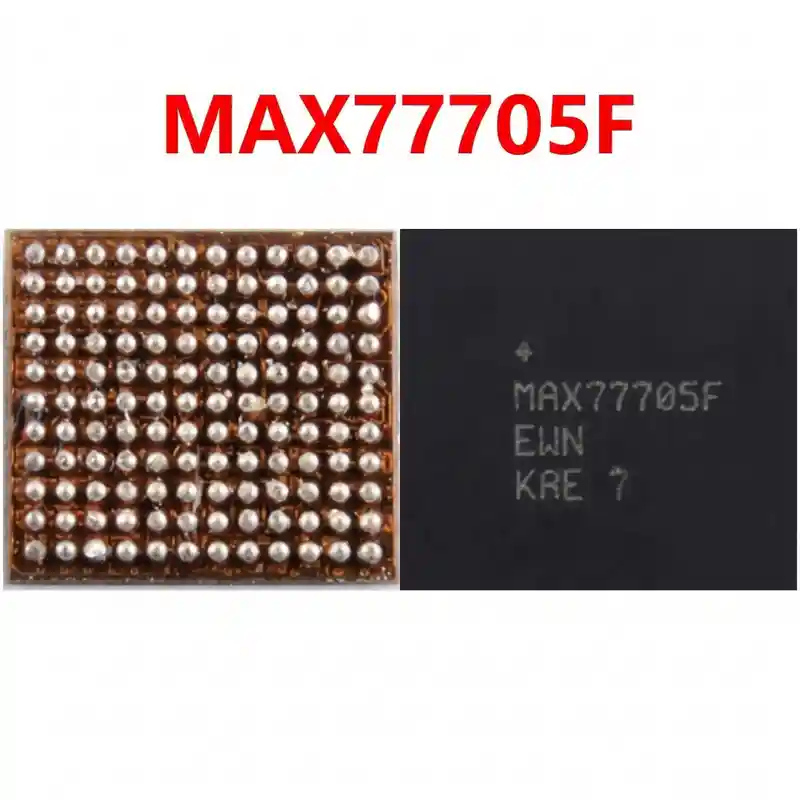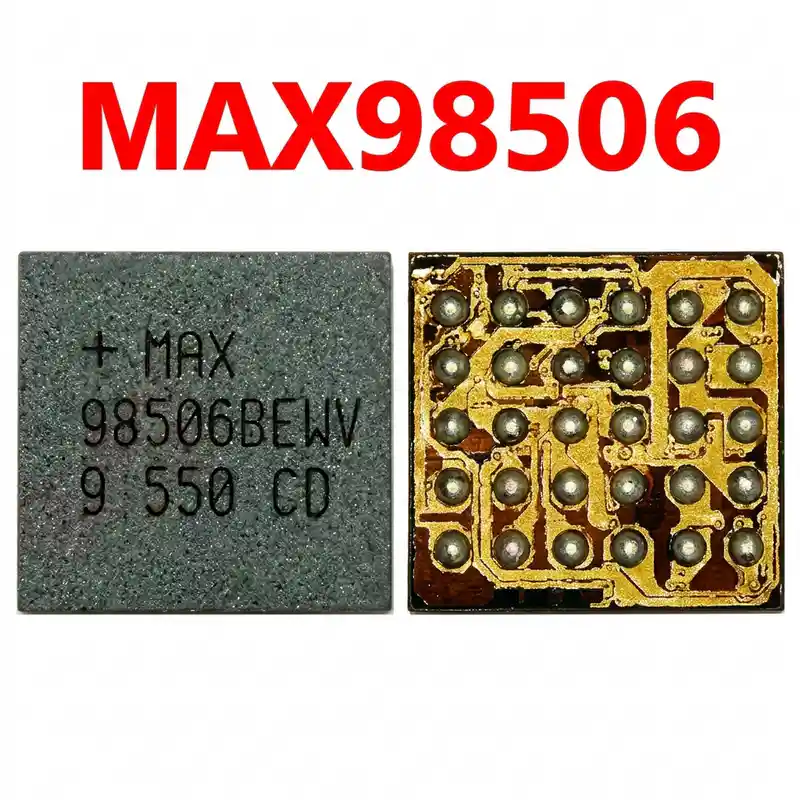

MAX77705C IC
As low as
Rs 0.00
Worldwide shipping · Cash on Delivery
Product Details
--------------------------------------------------------------------------------
SECTION 1: INTERNAL ARCHITECTURE & POWER PATH TOPOLOGY
--------------------------------------------------------------------------------
1. Functional Subsystems:
- High-Frequency Switching Buck Charger: Regulates 5V, 9V, and PPS variable DC inputs from USB Type-C port via internal 25V OVP clamp to system bus (VPH_PWR / VSYS ~3.8V - 4.35V) and charges battery at fast rates up to 3.5A.
- USB Type-C CC Logic & Power Delivery Controller: Features dual CC1/CC2 detection and negotiates USB-PD 3.0, Samsung Adaptive Fast Charging (AFC), and PPS profiles for 15W - 25W fast charging.
- Wireless PowerShare / Reverse Boost Module: Steps up battery voltage to power external Qi accessories wirelessly via the back-cover antenna coil in Reverse Wireless Charging (TX) mode.
- Dynamic AMOLED Power Display Engine: Regulates dual bipolar power supplies (positive ELVDD ~4.6V and negative ELVSS ~ -1.4V to -4.4V) required to power Samsung Dynamic AMOLED pixels.
- Camera Flash LED Driver: Integrated high-efficiency boost circuit driving the rear camera flash LED up to 1.5A.
- I2C Control Bus (SDA / SCL): Master-slave communication with Exynos 9820 / Snapdragon 855 host processor.
--------------------------------------------------------------------------------
SECTION 2: STEP-BY-STEP MULTIMETER TESTING & DIAGNOSTICS
--------------------------------------------------------------------------------
1. Cold Resistance Testing (Diode Mode Readings - RED probe to GND, BLACK probe on test points):
- VBUS Input Filter Capacitor (5V / 9V line from Type-C connector):
* Normal Reading: ~450 mV to 650 mV (Reverse mode must read OL / Infinite).
* Short Circuit Fault: 0.000V indicates blown internal OVP protection MOSFET inside MAX77705C.
- VPH_PWR / VSYS Main Inductor (Large square coil beside MAX77705C):
* Normal Reading: ~380 mV to 490 mV on both terminals.
* Short Circuit Fault: 0.000V proves shorted internal buck converter FET; causes total phone dead condition.
- VBAT Battery Connection Capacitors:
* Normal Reading: ~380 mV to 480 mV.
- USB Type-C CC1 and CC2 Lines (from charging port flex):
* Normal Reading: ~550 mV to 650 mV on both lines.
- AMOLED Display Bias Outputs (Capacitors near display connector):
* ELVDD (+4.6V line): ~450 mV to 580 mV.
* ELVSS (-1.4V to -4.4V line): ~550 mV to 700 mV.
2. Hot Voltage Testing (Board Connected to 5V Charger via USB Meter):
- Measure VBUS Input Pin: Must read steady +5.0V to +5.2V DC (or +9.0V DC if fast charging is active).
- Measure VSYS Inductor: Must read +3.7V to +4.35V DC.
- Diagnostic Rule: If 5V enters on VBUS, but VSYS is 0V or remains at raw battery level without pulling charging current (>400mA), MAX77705C is dead and must be replaced.
--------------------------------------------------------------------------------
SECTION 3: DESOLDERING, REBALLING & REWORK SPECIFICATIONS
--------------------------------------------------------------------------------
1. Safe Removal:
- Samsung Galaxy S10 and Note 10 logic boards feature dense multi-layer PCB design with Exynos/Snapdragon AP and UFS storage nearby. Always apply heat-reflective Kapton tape and thick aluminum shield over the CPU, UFS flash, and nearby plastic connectors.
- Apply a drop of quality tacky flux (Amtech NC-559 or Relife RL-422) around MAX77705C.
- Hot Air Settings: 330°C - 340°C with 20% - 25% airflow.
- Heat in a smooth, continuous circular motion for 12–15 seconds until all BGA micro-balls liquefy; lift vertically with fine-tip tweezers.
2. PCB Footprint Preparation:
- Apply 183°C leaded solder wire (Sn63/Pb37) to the motherboard pads at 300°C using a micro-soldering tip to soften lead-free factory solder.
- Gently sweep flat with 0.6mm desoldering braid without applying downward pressure.
- Clean the area thoroughly with 99.9% pure Isopropyl Alcohol (IPA) and verify under microscope that all pads are clean, bright, and separated.
3. Reballing & Installation of New MAX77705C:
- Use a dedicated Samsung S10 / Note 10 PMIC BGA stencil (Amaoe SAM series, 0.12mm thickness).
- Apply 183°C solder paste smoothly; heat with hot air at 250°C to form uniform spherical micro-balls.
- Apply a micro-thin layer of tacky flux on the cleaned motherboard pads.
- Align the Pin 1 corner index dot precisely with the white silkscreen dot on the motherboard.
- Solder with hot air at 310°C - 320°C with low airflow (15% - 20%) until surface tension centers the chip onto the footprint. Give a light side-tap to confirm molten state.
- Allow natural cooling for 2–3 minutes, clean flux residue with IPA, assemble the board, connect the battery, and test USB fast charging (should pull ~1.5A to 2.2A smoothly on an authentic Samsung adaptive fast charger) and Wireless PowerShare.
You may also like