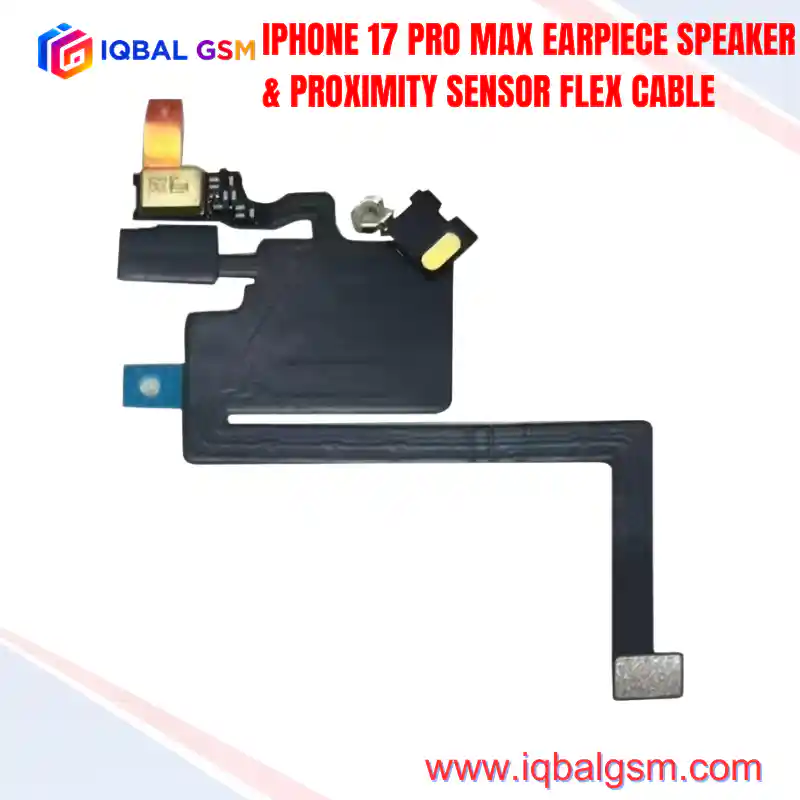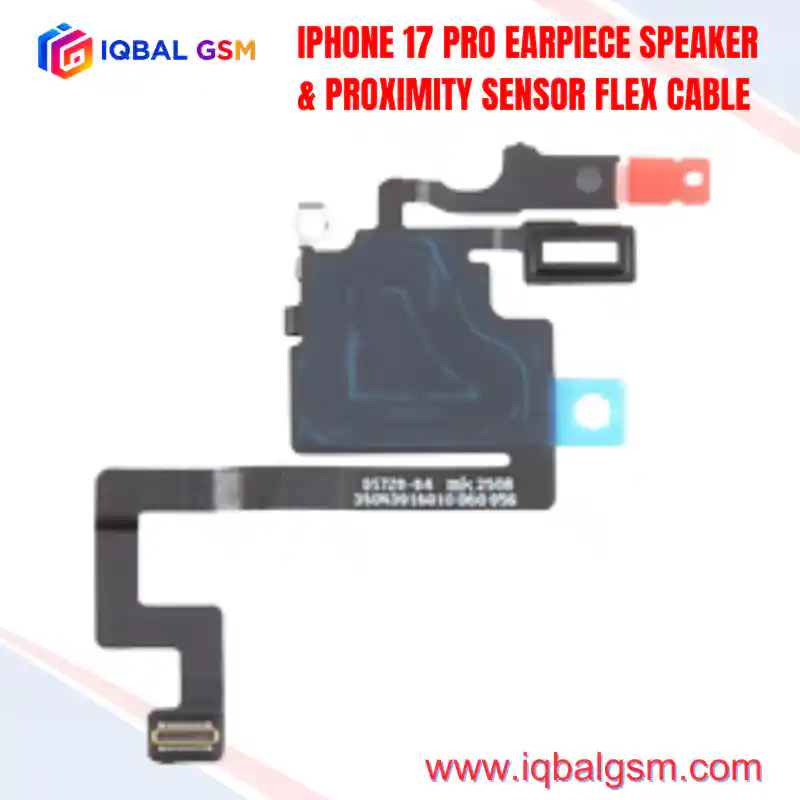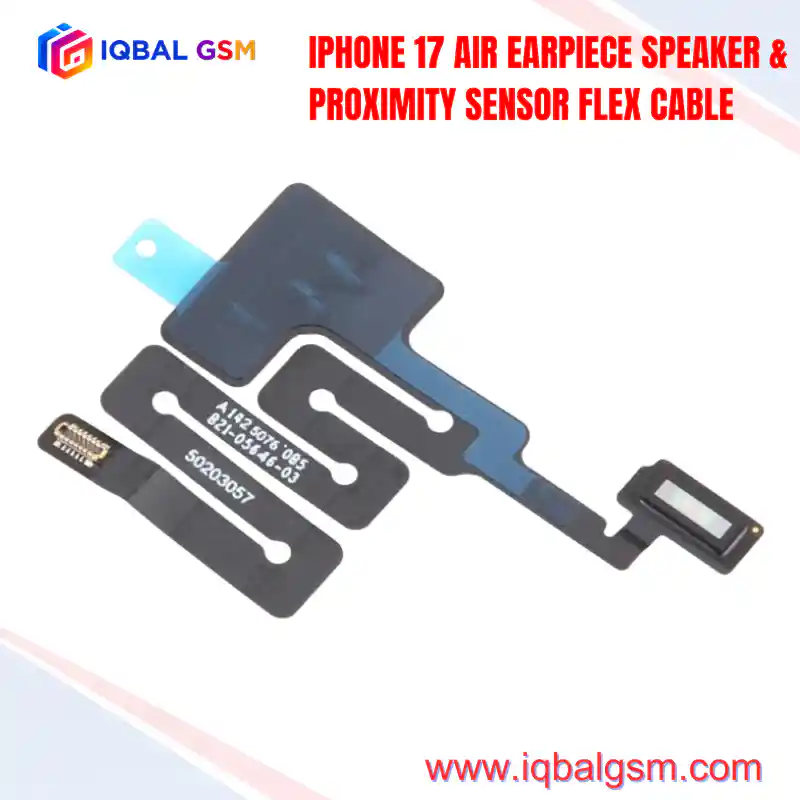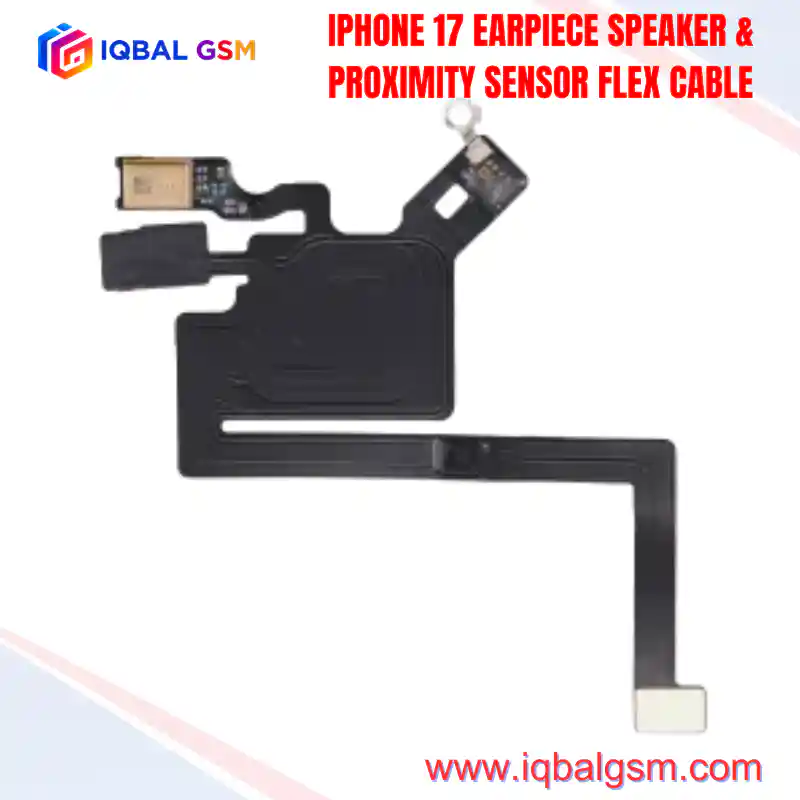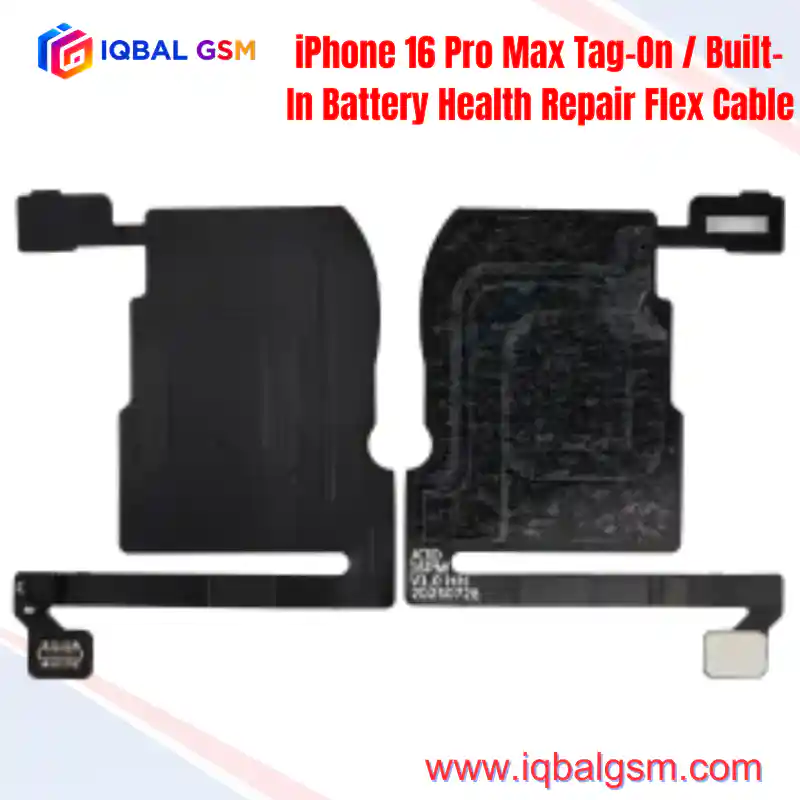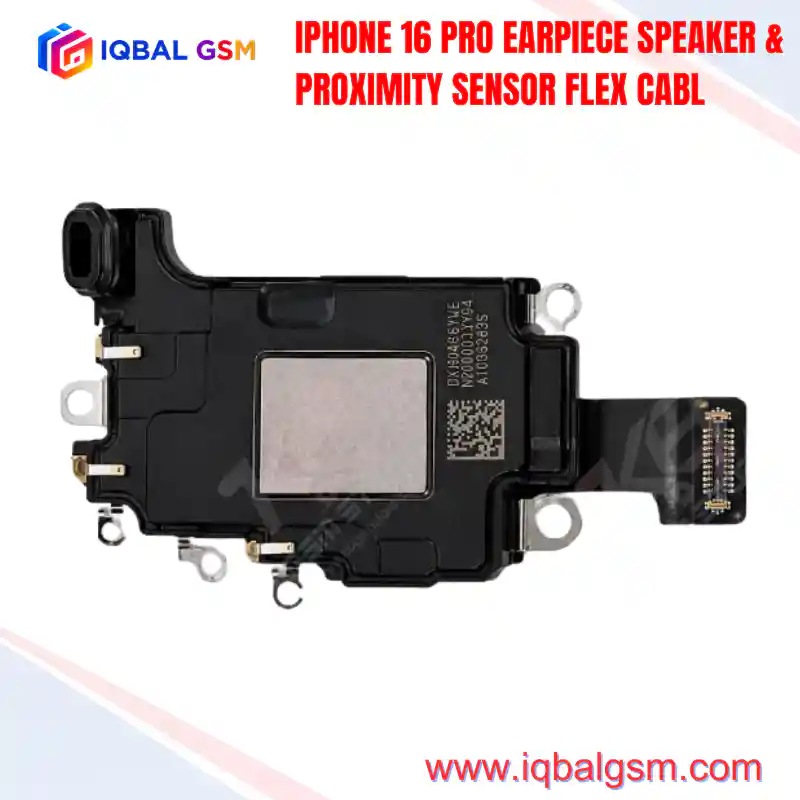

IPHONE 14 PRO MAX EARPIECE SPEAKER & PROXIMITY SENSOR FLEX CABLE
As low as
Rs 4300.00
Worldwide shipping · Cash on Delivery
Product Details
====================================================================================================
IPHONE 14 PRO MAX EARPIECE SPEAKER & PROXIMITY SENSOR FLEX CABLE TECHNICAL REPAIR MANUAL
====================================================================================================
1. ARCHITECTURAL OVERVIEW & DYNAMIC ISLAND INTEGRATION
----------------------------------------------------------------------------------------------------
The iPhone 14 Pro Max introduces a decoupled sensor and acoustic architecture designed for the 6.7-inch
Super Retina XDR Dynamic Island display assembly. Unlike legacy models (iPhone 12 and earlier) where the
earpiece speaker was affixed directly to the display-mounted flex cable, the iPhone 14 Pro Max integrates
the primary acoustic speaker driver into the upper perimeter of the stainless-steel chassis frame.
The 14ProMax FPC flex assembly mounts directly to the display bracket beneath the Dynamic Island cutout:
* Optical Alignment: Aligns the VCSEL infrared emitter, proximity photodiode, and RGB ambient light
sensor (ALS) directly behind the transparent aperture of the OLED substrate.
* Mechanical Interface: Incorporates gold-plated beryllium-copper spring contact pads on the flex face
that establish pressure-contact mating with the chassis-housed ear speaker when the display is seated.
* Acoustic Isolation: Features an integrated forward-facing microphone encased in an acoustic dampening
gasket to isolate speech and reference noise during phone calls, Siri inputs, and front-camera recording.
2. LOGIC BOARD POWER RAILS, SIGNALS & BUS TOPOLOGY
----------------------------------------------------------------------------------------------------
The sensor flex routes critical high-speed differential and digital control buses from the A16 Bionic SoC
and Power Management IC (PMIC):
* PP3V0_PROX_ALS: Regulated 3.0V supply rail powering the infrared optical emitter and ALS IC.
* PP1V8_S2 / PP1V8_IO: 1.8V digital logic power rail feeding the internal registers and logic gates.
* I2C_SDA / I2C_SCL (I2C2 / I2C3 Bus): Bidirectional serial data and clock lines operating at 400 kHz,
transmitting real-time ambient lux, color temperature, and proximity threshold data to the SoC.
* SPK_EAR_POS / SPK_EAR_NEG: Differential amplified audio drive lines delivered from the primary audio
codec to the contact pad interface (8 Ohm impedance line).
* BIOMETRIC ENCRYPTION: The ambient light sensor contains factory-calibrated cryptographic tokens tied
to the device's Secure Enclave Processor (SEP). Replacing this assembly with an unprogrammed aftermarket
unit disables True Tone and causes Face ID initialization faults.
3. FAILURE MODES & SYSTEM-LEVEL SYMPTOMS
----------------------------------------------------------------------------------------------------
* 180-Second Watchdog Kernel Panic (PRST / I2C Timeout):
If liquid enters the Dynamic Island earpiece mesh, the 3.0V rail frequently bridges to adjacent I2C
clock/data pins. The SoC kernel detects an unacknowledged I2C polling interrupt on thermal/ALS registers,
triggering an automatic reboot every 180 seconds with panic logs citing `Thermal/Sensor Watchdog Timeout`.
* True Tone Disabled & Auto-Brightness Lockout:
Unprogrammed replacement flex cables lack factory color-calibration registers. True Tone toggle vanishes
from iOS Display & Brightness settings, and auto-brightness remains locked at static lux levels.
* Proximity Failure During Active Calls:
OLED screen fails to shut off when brought near the ear, leading to accidental touch screen inputs.
Often caused by misaligned optical silicone prism gaskets or debris obstructing the sub-pixel window.
* Ear Speaker Cutouts / Low Volume:
Oxidation or mechanical bending of the gold spring contact pads prevents full ohmic contact with the
chassis-mounted speaker terminals.
4. STEP-BY-STEP REPAIR, SOLDERING & TRANSPLANT WORKFLOW
----------------------------------------------------------------------------------------------------
To retain full native Face ID, True Tone, and sensor calibration without software error prompts, micro-
soldering technicians must transplant the original ICs onto a clean OEM tag-on receiver flex (e.g., JCID /
i2C / QianLi receiver FPC):
A. DISASSEMBLY & EXTRACTION:
1. Heat the upper Dynamic Island display perimeter to 70°C–75°C on a vacuum heating pad for 2 minutes.
2. Apply a drop of high-purity isopropyl alcohol (99.9% IPA) behind the proximity sensor bracket.
3. Using ultra-fine curved ESD tweezers, gently separate the glued flex bracket from the display frame.
CRITICAL: Never apply prying leverage under the optical glass window of the ambient light sensor;
delamination will permanently destroy the silicon photodiode array.
B. IC TRANSPLANTATION & MICRO-SOLDERING:
1. Secure the original damaged flex under a stereo microscope in a dedicated micro-soldering jig.
2. Apply high-grade low-residue tacky flux (e.g., Amtech NC-559-V2) across the ALS sensor pins.
3. Set hot air rework station to 280°C–300°C with 35% airflow. Use an angled 4mm micro-nozzle.
4. Heat uniformly from underneath or around the sensor perimeter until the SAC305 solder reflows.
5. Lift the ambient light sensor cleanly using vacuum pickup tweezers. Clean BGA pads using 0.6mm
desoldering wick and leaded low-melt solder wire (Sn63/Pb37).
6. Reball the original sensor using a 0.12mm dedicated BGA stencil and 183°C solder paste.
7. Align and reflow the reballed sensor onto the target replacement receiver flex cable.
C. EEPROM READ / WRITE & ACTIVATION (IF UTILIZING PROGRAMMABLE REPLACEMENT FPC):
1. Connect the original flex to a hardware programmer (JCID V1SE / V1S Pro or i2C 2CS).
2. Read and save the underlying ALS calibration dump and True Tone data parameters.
3. Connect the new non-removal / tag-on receiver FPC to the programmer board.
4. Write the saved data image to the replacement FPC and verify checksum integrity.
5. POST-ASSEMBLY DIAGNOSTICS & SYSTEM VALIDATION
----------------------------------------------------------------------------------------------------
* Contact Pad Inspection: Verify spring pads sit 0.4mm proud of the bracket surface to ensure positive
compression against the chassis speaker lugs upon display clamp-down.
* True Tone Verification: Boot iOS and confirm True Tone switch is present, toggles, and updates display white point.
* Dynamic Island Optical Sweep: Verify Face ID enrollment completes without "Move iPhone Higher/Lower" errors.
* Proximity Call Test: Place an active call; confirm the display immediately blanks when an opaque object
is positioned within 20mm of the Dynamic Island aperture.
* Panic Log Audit: Check Analytics & Improvements -> Analytics Data for zero `panic-full` log generation over
a minimum 15-minute continuous run-time.
====================================================================================================
You may also like