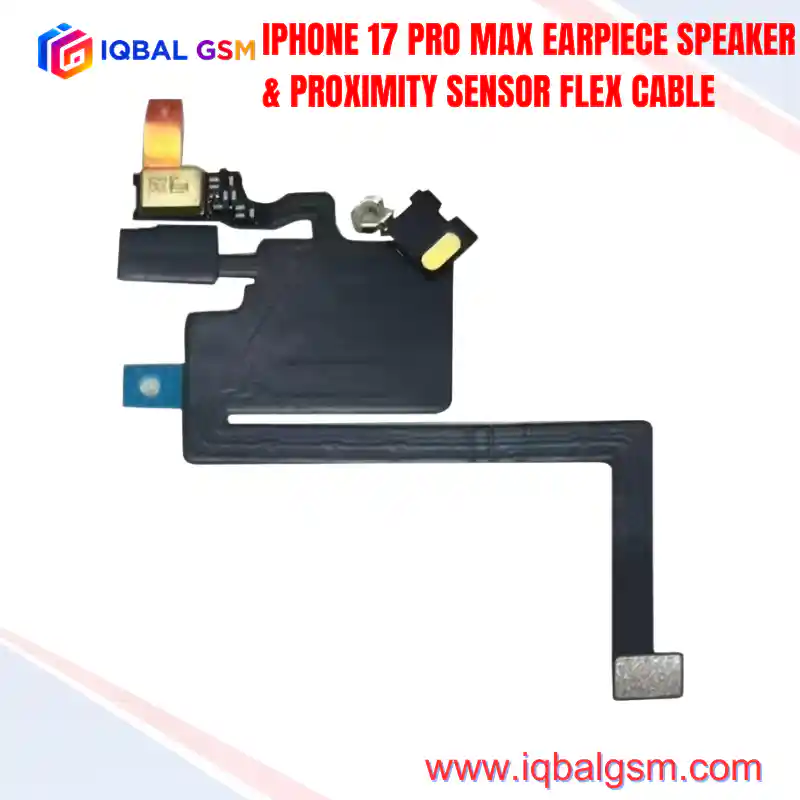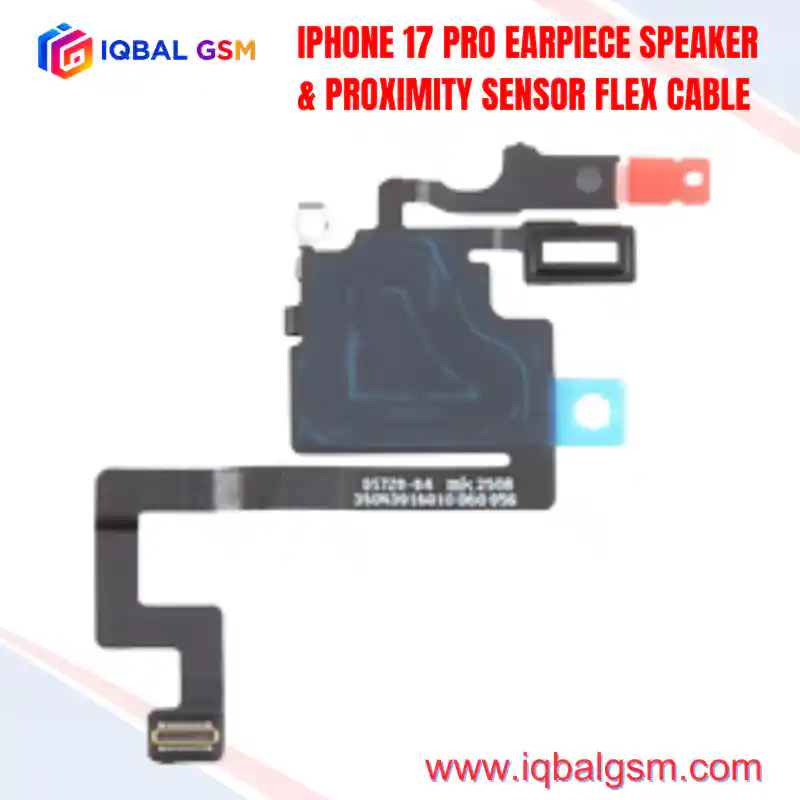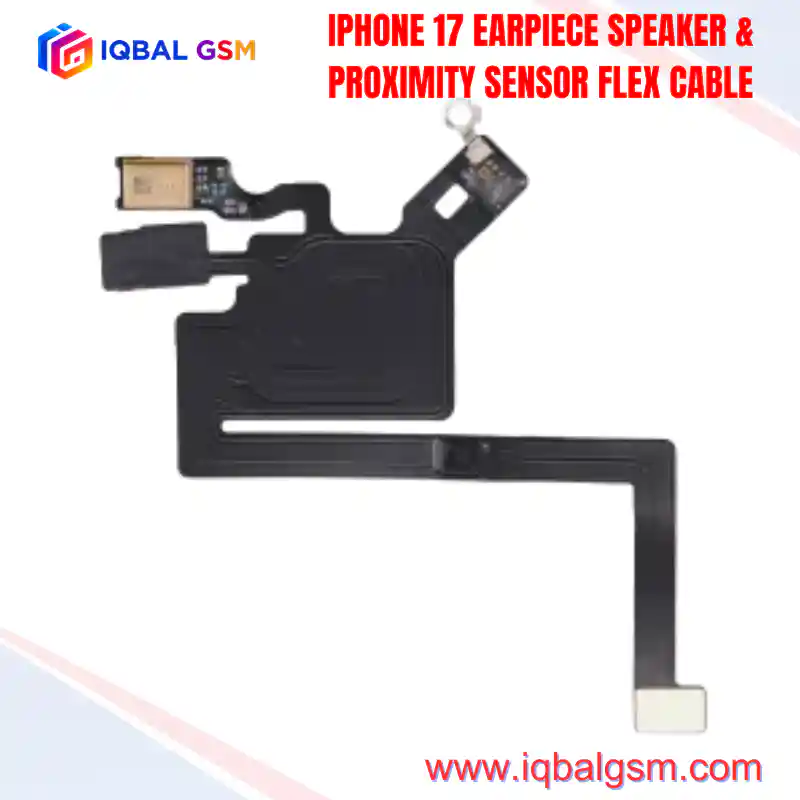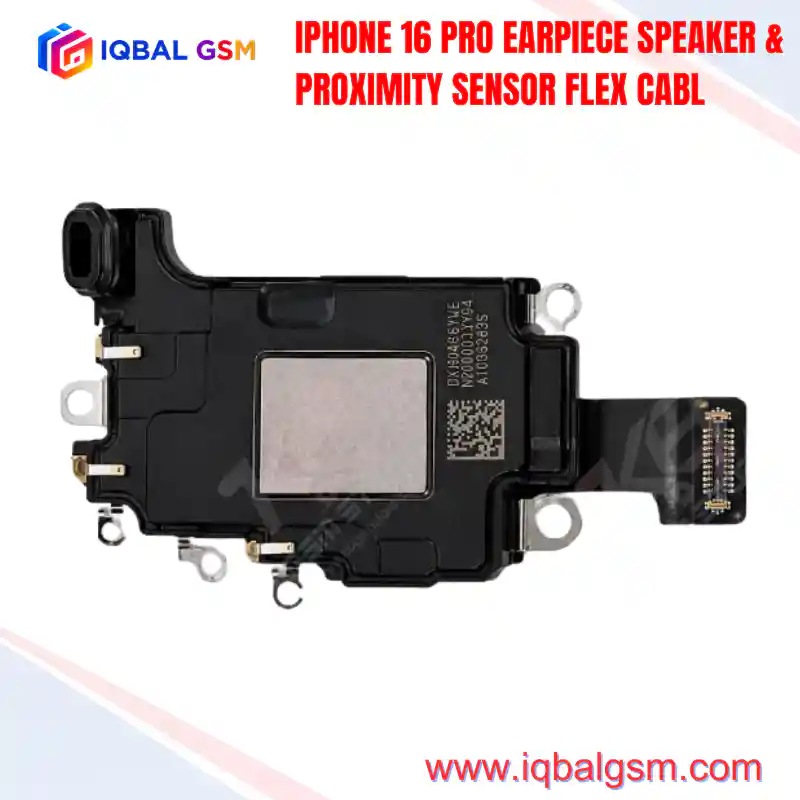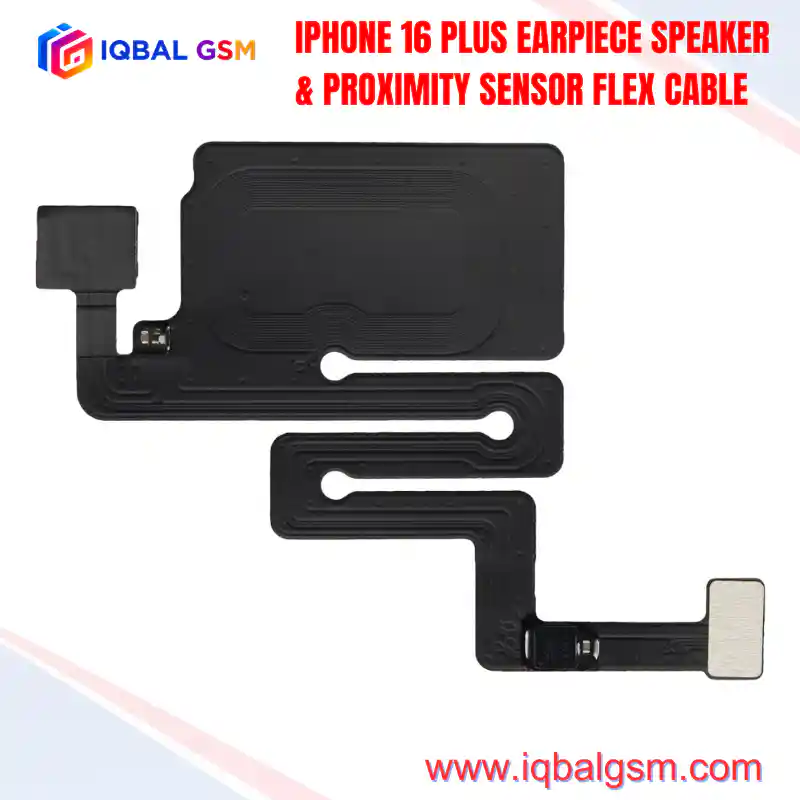

IPHONE 17 AIR EARPIECE SPEAKER & PROXIMITY SENSOR FLEX CABLE
As low as
Rs 0.00
Worldwide shipping · Cash on Delivery
Product Details
====================================================================================================
IPHONE 17 AIR EARPIECE SPEAKER & PROXIMITY SENSOR FLEX CABLE TECHNICAL REPAIR MANUAL
====================================================================================================
1. ARCHITECTURAL OVERVIEW & ULTRA-SLIM CHASSIS RE-ENGINEERING
----------------------------------------------------------------------------------------------------
The iPhone 17 Air introduces an ultra-thin form factor that requires aggressive Z-height miniaturization
across all internal sub-assemblies. The acoustic and optical subsystem uses a high-density decoupled layout:
* Low-Profile Acoustic Enclosure: The earpiece speaker micro-transducer is integrated into an ultra-thin
milled chamber in the top chassis perimeter rather than attached to the display assembly.
* Flex Assembly Mounting: The 17AIR FPC flex assembly mounts to an ultra-thin alignment bracket
affixed to the rear of the OLED panel directly beneath the Dynamic Island cutout.
* Reduced Z-Height Leaf Springs: Features customized low-profile gold-plated beryllium-copper leaf contacts
designed to maintain consistent mechanical compression within tightly constrained vertical tolerances.
* Optical Array: Directly aligns a miniaturized VCSEL infrared optical proximity transmitter, receiver
photodiode, and a multi-spectral ambient light sensor (ALS) with the transparent display window.
* Compact Microphone Array: Houses an ultra-compact forward-facing microphone encased in an acoustic
damping seal to provide reference audio for call noise cancellation, Siri, and video recording.
2. LOGIC BOARD POWER RAILS, SIGNALS & BUS TOPOLOGY
----------------------------------------------------------------------------------------------------
The iPhone 17 Air sensor flex interfaces with the application processor and primary PMIC across high-speed
serial buses and regulated voltage lines:
* PP3V0_PROX_ALS: Filtered 3.0V supply rail delivering operating voltage to the infrared proximity
emitter and ambient light sensor package.
* PP1V8_S2 / PP1V8_IO: 1.8V digital logic supply powering internal registers, control circuitry, and
I2C pull-up terminations.
* I2C_SDA / I2C_SCL (I2C Sensor Bus): 400 kHz bidirectional serial bus reporting ambient light lux,
correlated color temperature (CCT), and proximity threshold transitions to the SoC.
* SPK_EAR_POS / SPK_EAR_NEG: Differential amplified speaker audio rail (8 Ohm nominal impedance)
delivering audio from the primary audio codec through the leaf-spring terminals.
* CRYPTOGRAPHIC HARDWARE BINDING: The ambient light sensor integrates factory-burned EEPROM calibration
registers cryptographically linked to the Secure Enclave Processor (SEP). Replacing this flex without
sensor transplantation or cloning results in loss of True Tone and disables dynamic auto-brightness.
3. FAILURE MODES & SYSTEM-LEVEL SYMPTOMS
----------------------------------------------------------------------------------------------------
* 180-Second Watchdog Kernel Panic (PRST / I2C Sensor Failure):
Moisture intrusion through the top speaker mesh often creates dendritic corrosion between the 3.0V
supply rail and adjacent I2C clock/data lines. When the SoC kernel fails to poll the sensor registers,
the phone initiates a watchdog reboot every 180 seconds, logging `Thermal/Sensor Watchdog Timeout`.
* True Tone Disabled & Auto-Brightness Lockout:
Installing an unprogrammed aftermarket flex strips True Tone from iOS Settings -> Display & Brightness,
locking the display to static default luminance.
* Proximity Failure During Active Calls:
The display fails to turn off when brought near the ear during calls, or remains blacked out after
the call ends. Commonly caused by silicone prism displacement or optical window obstruction beneath
the Dynamic Island cutout.
* Muffled or Distorted Ear Speaker Audio:
Oxidation or mechanical collapse of the gold leaf spring contacts preventing proper ohmic contact
with the chassis ear speaker terminals.
4. STEP-BY-STEP REPAIR, SOLDERING & TRANSPLANT WORKFLOW
----------------------------------------------------------------------------------------------------
To retain native True Tone, auto-brightness, and Face ID calibration without software warnings, technicians
must transplant the original ambient light sensor onto a compatible replacement receiver FPC
(e.g., JCID / i2C / QianLi):
A. DISASSEMBLY & EXTRACTION:
1. Place the screen assembly on a heating pad at 70°C–75°C for 2 minutes to soften the factory adhesive.
2. Apply 99.9% isopropyl alcohol around the plastic bracket holding the sensor cluster.
3. Using ultra-fine curved ESD tweezers, lift the flex assembly away from the display bracket.
CAUTION: Due to the ultra-thin polyimide substrate of the 17 Air, excessive lateral pulling will tear
internal signal traces. Avoid prying against the optical glass surface of the ALS IC.
B. SENSOR CHIP TRANSPLANTATION & MICRO-SOLDERING:
1. Secure the original damaged flex under a stereo microscope in a dedicated micro-soldering fixture.
2. Apply high-grade tacky flux (Amtech NC-559-V2) across the ALS sensor pins.
3. Adjust the hot air rework station to 280°C–300°C with 30% airflow using a fine 3.5mm nozzle.
4. Heat uniformly around the chip perimeter until the solder reflows, then lift the IC with vacuum tweezers.
5. Remove residual lead-free solder from the chip pads using 0.6mm desoldering wick and low-melt solder wire.
6. Reball using a dedicated 0.12mm BGA stencil and 183°C tin-lead/tin-bismuth solder paste.
7. Align and reflow the reballed sensor onto the replacement receiver flex cable.
C. EEPROM BACKUP & PROGRAMMING (WHEN USING RECOVERY FPCS):
1. Connect the original flex to a hardware programmer (JCID V1SE / V1S Pro or i2C 2CS).
2. Read and verify the stored ALS factory calibration data payload.
3. Connect the new tag-on receiver flex to the programmer board.
4. Write the original data payload to the replacement FPC and verify checksum integrity.
5. POST-ASSEMBLY DIAGNOSTICS & SYSTEM VALIDATION
----------------------------------------------------------------------------------------------------
* Low-Profile Contact Pad Inspection: Verify leaf-spring prongs sit at proper calibrated height to
guarantee solid electrical contact against the ultra-thin chassis speaker pads.
* True Tone & Auto-Brightness: Power on the device, verify True Tone toggle is active in Control Center,
and confirm dynamic brightness adjustment under varying light conditions.
* Proximity Detection Test: Place a test phone call and confirm the OLED screen immediately blanks
when an opaque object approaches within 20mm of the Dynamic Island cutout.
* System Stability Verification: Monitor device operation for a minimum of 15 minutes to verify zero
unexpected reboots or watchdog panic entries in iOS Analytics logs.
====================================================================================================
You may also like