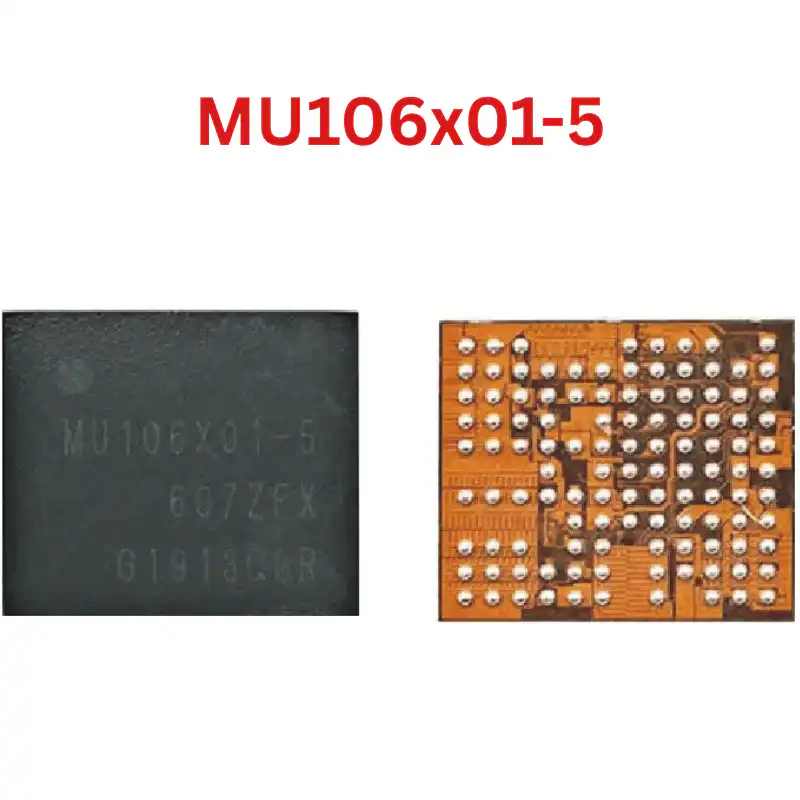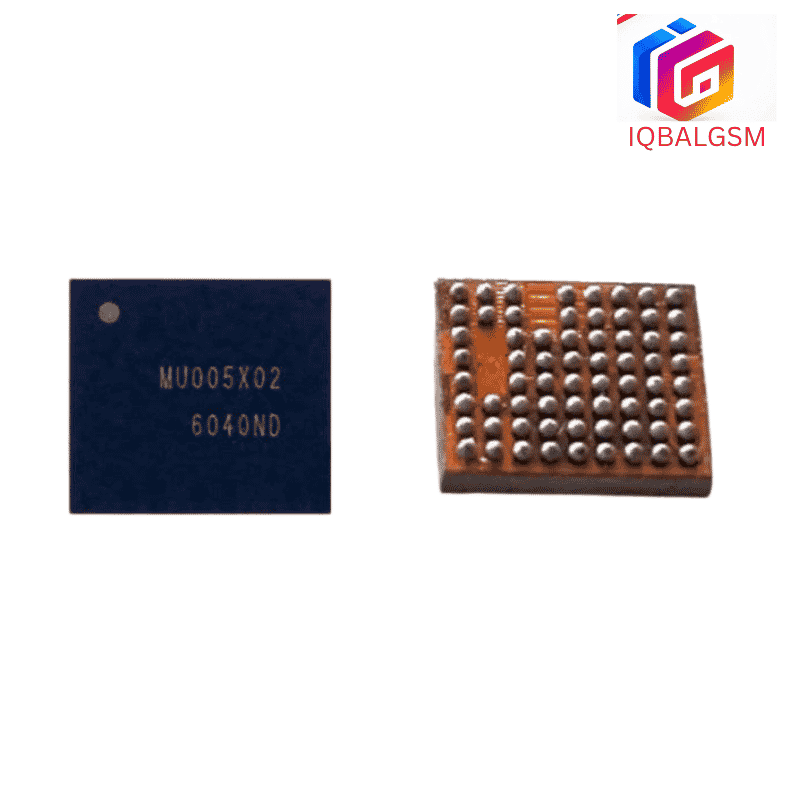

MU005X01-2 IC
As low as
Rs 250.00
Worldwide shipping · Cash on Delivery
Product Details
====================================================================================================
SAMSUNG S2MU005X02 IF PMIC & CHARGING IC REWORK & DIAGNOSTIC GUIDE
====================================================================================================
1. FUNCTIONAL ARCHITECTURE & CIRCUIT ROLE:
----------------------------------------------------------------------------------------------------
- Synchronous Buck Battery Charging Stage:
* Steps down 5.0V USB input (VBUS) to regulate battery charging through Pre-charge, Constant Current (CC),
and Constant Voltage (CV) modes up to 4.35V with low thermal loss.
- NVDC System Power Path Management (VSYS):
* Generates the primary intermediate system rail (VSYS) using an external switching inductor and an internal
low-RDS(on) BATFET. The phone boots instantly when connected to a charger even with a completely dead battery.
- Integrated Micro-USB Interface Controller (MUIC):
* Detects charger types (Standard Downstream Port, Dedicated Charging Port, OTG accessories) and manages
analog multiplexing of USB data lines (DP/DM) for firmware flashing (Odin) and data transfer.
- Battery Fuel Gauge & Thermal Monitoring:
* Measures battery cell impedance, voltage, and current across a precision external sense resistor to report
accurate battery percentage, while tracking the battery NTC thermistor line.
- Integrated Camera Flash LED Driver:
* Contains an internal boost converter and programmable current sink to drive the high-brightness rear
camera flash LED without requiring a discrete flash driver IC.
2. BOARD-LEVEL FAULT SYMPTOMS:
----------------------------------------------------------------------------------------------------
- Completely Dead Phone (Zero Boot Reaction / 0.000A):
* Because S2MU005X02 generates the fundamental system voltage (VSYS) feeding the main PMIC, a failure
here leaves the entire motherboard completely unpowered (draws 0.000A on DC power supply).
- Fake Charging (Charging Animation Shows but Battery Drains):
* The screen shows the charging lightning icon, but current draw is locked at 0.05A–0.10A; the battery
percentage never increases and gradually drops while plugged in.
- Main Power Rail Short to Ground (Dead Short):
* Internal high-side switching FET breakdown pulls VBUS or VSYS directly to ground (0.000V in diode mode),
causing DC bench power supplies to trip immediately upon connection.
- Camera Flash LED Stays Continuously On:
* The rear camera flash LED glows faintly or shines at full brightness even when the phone is turned off,
caused by a shorted internal flash driver transistor inside S2MU005X02.
- Temperature Warning Triangle (Yellow Triangle with Thermometer):
* Charging is suspended with a temperature warning on the screen due to a defective internal ADC sensing
circuit inside the IC.
- PC Does Not Recognize Phone via USB:
* Phone charges from a wall adapter but fails to connect to Odin or a PC because internal DP/DM switches
are damaged.
- Severe Localized Overheating:
* S2MU005X02 gets burning hot within 2 to 3 seconds of plugging in the charger or battery.
3. STEP-BY-STEP MULTIMETER TESTING & DIAGNOSTICS:
----------------------------------------------------------------------------------------------------
A. Cold Testing (Diode Mode Check - Battery & Charger Disconnected):
1. Set digital multimeter to Diode Mode. Place RED probe on PCB ground (metal shield frame) and probe
components surrounding S2MU005X02 with the BLACK probe:
- VBUS Input Filter Capacitor: Normal reading is ~520mV to 680mV (0.000V indicates a dead input short).
- PMID High-Side Decoupling Capacitor: Normal reading is ~480mV to 620mV.
- VSYS Buck Inductor & Output Capacitors: Normal reading is ~350mV to 480mV.
- VBAT Battery Connector Positive Pin: Normal reading is ~380mV to 520mV.
- USB Data Lines (DP / DM): Normal readings are ~550mV to 720mV (must be balanced within 15mV).
- Flash LED Anode Output: Normal reading is ~500mV to 650mV.
2. Short-Circuit Verification:
- If VSYS reads 0.000V, apply rosin smoke over S2MU005X02 and inject 3.8V DC (limited to 1.5A) into
the VSYS rail to confirm if S2MU005X02 melts the rosin.
B. Hot Testing (USB Charger Connected):
1. Connect a 5V USB charger through a USB power doctor meter:
- Check VBUS input capacitor: Must show stable 5.0V to 5.2V DC.
- Check PMID capacitor: Must show 5.0V DC. If VBUS has 5V but PMID has 0V, internal reverse-blocking
FET is open.
- Check VSYS buck inductor: Must measure active system voltage (3.6V to 4.35V DC).
- Check VBAT battery pins: Must show active battery charging voltage.
4. SOLDERING, REBALLING & REWORK SPECIFICATIONS:
----------------------------------------------------------------------------------------------------
- Micro WLCSP Silicon Package:
* S2MU005X02 is a wafer-level bare-die BGA chip. Avoid applying localized downward pressure with tweezers
to prevent cracking the glass silicon die.
- Desoldering Procedure:
* Shield surrounding plastic connectors, SIM trays, and camera sockets with Kapton and aluminum heat tape.
* Apply a small amount of non-corrosive RMA tacky flux around the chip perimeter.
* Hot air rework parameters: Temperature 325°C – 335°C, Airflow 25%–30%.
* Apply heat uniformly in circular motions for 12–15 seconds. Once the solder spheres liquefy, lift the chip
vertically with precision micro-tweezers.
- Motherboard Pad Cleanup:
* Apply leaded solder paste (Sn63/Pb37, 183°C) to dilute high-temperature factory lead-free solder.
* Level and clean the micro-pads using fine copper desoldering braid at 280°C.
* Clean thoroughly with 99% pure Isopropyl Alcohol (IPA); inspect under a microscope to confirm no bridging.
- Reballing Procedure:
* Use a dedicated Samsung J7 Prime / S2MU005 BGA stencil (0.12mm thickness).
* Spread 183°C fine-grain leaded solder paste evenly into all apertures.
* Reflow with hot air at 275°C and low airflow (15%) until shiny, uniform spherical balls form.
- Placement & Final Reflow:
* Spread a microscopic layer of tacky flux over the PCB footprint.
* Align the Pin 1 corner index dot precisely with the motherboard silkscreen orientation mark.
* Reflow at 305°C – 315°C with 25% airflow. The chip will automatically settle into center alignment
via molten solder surface tension.
* Allow the motherboard to cool naturally for 3 minutes before testing charging current and bootup.
====================================================================================================
You may also like