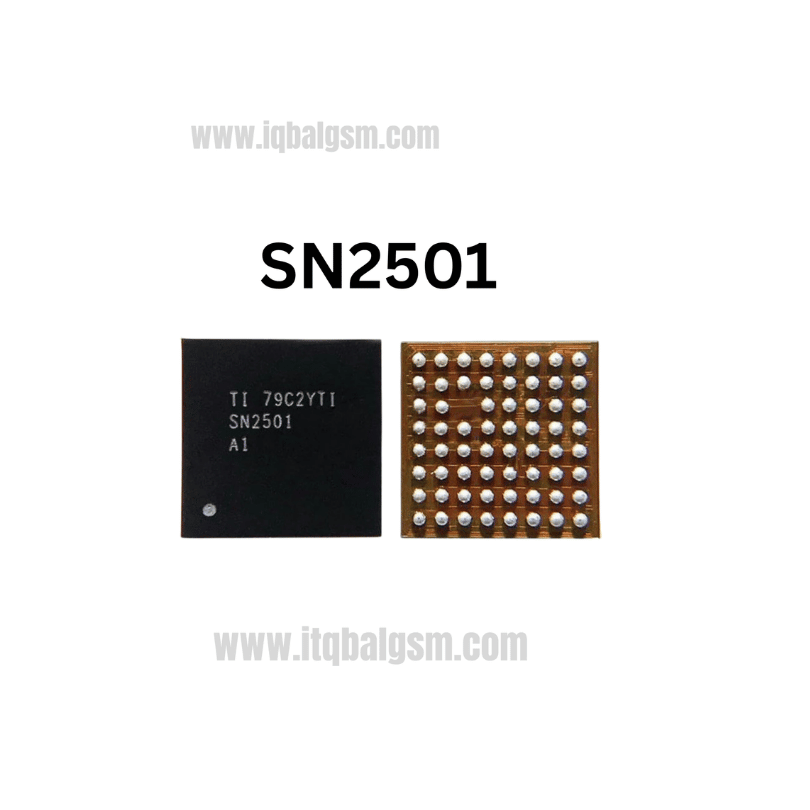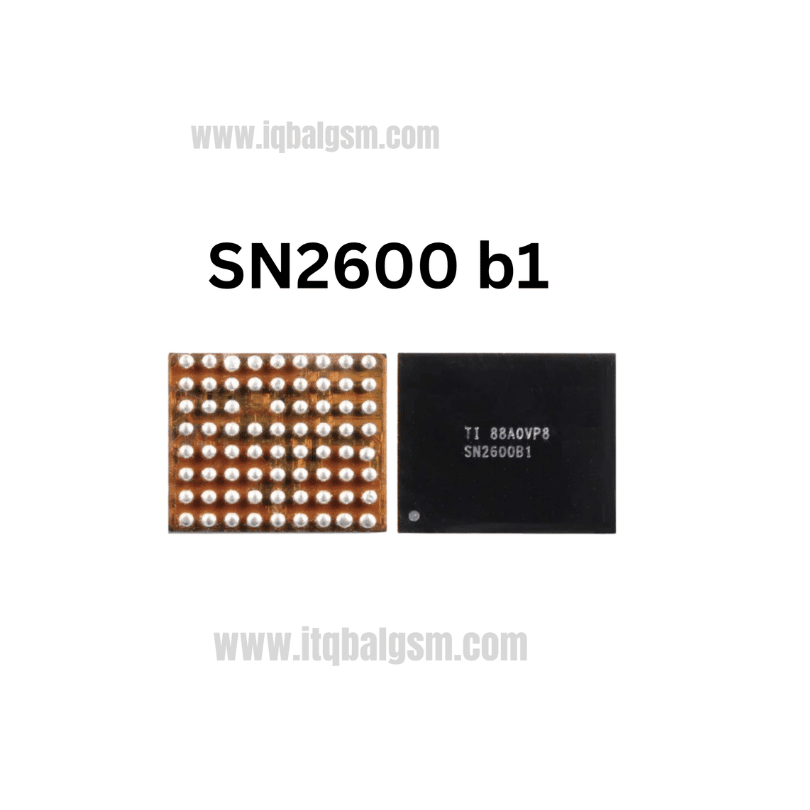

9468B3 IC
As low as
Rs 280.00
Worldwide shipping · Cash on Delivery
Product Details
--------------------------------------------------------------------------------
SECTION 1: ELECTRICAL TOPOLOGY & FUNCTIONAL ARCHITECTURE
--------------------------------------------------------------------------------
1. Switched-Capacitor Charge Pump Operation:
- External Flying Capacitors (CFLY): Connects across high-speed internal MOSFET bridge networks.
- 2:1 Voltage Division / Current Multiplication: In charge-pump mode, PCA9468 halves the incoming adapter voltage (VIN / 2) while doubling the charging current injected into VBAT (I_CHG = 2 * I_IN).
- High Efficiency: Eliminates heavy magnetic core losses of standard buck inductors, dissipating minimal heat on the logic board during 25W charging.
2. Parallel Hybrid Architecture:
- Low Power / Standard Charging: Handled by the primary PMIC (e.g., Qualcomm PM6150 / Samsung sub-PMIC) via traditional 5V buck converter.
- High Power (USB-PD PPS): The application processor detects a compatible 25W adapter over CC lines and engages PCA9468 via I2C bus while placing the primary buck charger into low-current bypass mode.
--------------------------------------------------------------------------------
SECTION 2: BOARD-LEVEL TROUBLESHOOTING & FAILURE SCENARIOS
--------------------------------------------------------------------------------
1. Super Fast Charge Fails (Drops to Standard 5V Cable Charging):
- The device charges at ~5V 1.0A–1.4A, but never triggers the cyan "Super Fast Charging" animation or 9V/10V PPS mode.
- Root Cause: Missing I2C communication (SDA/SCL open circuit), fractured solder bumps beneath PCA9468, or cracked CFLY capacitors.
2. Fake / Slow Charging (Battery Drains Faster Than It Charges):
- Phone displays lightning charging bolt, but current meter remains stuck below 200mA or drops to 0mA intermittently.
- Root Cause: Internal current-sensing ADC failure or damaged gate drivers inside PCA9468.
3. Complete Logic Board Shutdown on Charger Plug-In:
- Phone runs normally on battery, but instantly shuts down, reboots, or triggers a DC power supply over-current protection trip when the Type-C cable is inserted.
- Root Cause: Blown high-side switching FET inside the PCA9468 silicon causing a dead short from VBUS to GND.
--------------------------------------------------------------------------------
SECTION 3: MULTIMETER DIAGNOSTICS & TEST POINTS
--------------------------------------------------------------------------------
1. Cold Testing (Diode Mode Drop Readings):
- Multimeter in Diode Mode; RED probe on Ground (GND shield), probe pins/caps with BLACK probe:
* VBUS Input Capacitors (VIN): Normal reading ~480 mV to 580 mV. (0.000V indicates blown input protection or internal IC short).
* Output Line to Battery (VOUT / VBAT): Normal reading ~380 mV to 460 mV.
* CFLY Flying Capacitor Pads: Both positive and negative pads must show high impedance / healthy diode drops (~450 mV - 550 mV). If either pad reads 0.000V, the capacitor or the internal switch is shorted.
* Control Lines (I2C SDA / SCL, DC_IRQ_N): ~400 mV to 500 mV each.
2. Live Voltage & Current Testing (Hot Testing with USB Power Meter):
- Plug in an authentic 25W Samsung Type-C PPS Charger:
* Check USB meter display: If voltage stays at 5.0V instead of jumping to 9.2V–9.8V PPS, PCA9468 is not engaging or communicating with the AP.
* Check VOUT line near the battery terminal: Must output ~4.2V–4.4V with ~2.0A–2.5A charging current under low battery states (<40%).
--------------------------------------------------------------------------------
SECTION 4: SOLDERING, REBALLING & REWORK SPECIFICATIONS
--------------------------------------------------------------------------------
1. Removal:
- Cover surrounding sensitive ICs (CPU, UFS storage, and plastic battery/display FPC sockets) with multiple layers of Kapton tape and heat-dissipation copper foil.
- Apply a small drop of quality rosin flux (e.g., Amtech NC-559 or Relife RL-422).
- Hot Air Settings: 330°C - 340°C with 20% to 25% airflow (using a medium circular nozzle).
- Heat uniformly in a circular pattern for 12–15 seconds; gently nudge the IC corner with micro-tweezers. When completely fluid, lift vertically.
2. PCB Footprint Preparation:
- Lower solder melting point by tinning the 64 motherboard pads with 183°C leaded solder.
- Clean gently with 0.8mm desoldering braid at 310°C without dragging harshly to prevent pulling delicate microscopic pads.
- Clean footprint thoroughly with 99.9% Isopropyl Alcohol (IPA) and inspect under microscope for pad leveling.
3. Reballing & Installation of New PCA9468 9468B3:
- Use a dedicated 0.12mm WLCSP-64 / multi-model charging IC stencil.
- Spread 183°C solder paste evenly across all apertures; dry excess flux with a lint-free wipe.
- Heat evenly with hot air at 260°C until perfect, uniform spherical balls solidify.
- Apply a micro-thin layer of tacky flux to the PCB footprint.
- Align Pin 1 corner orientation mark with the motherboard silkscreen white dot.
- Solder at 320°C with 20% airflow until the chip aligns itself via surface tension. Give a micro-tap to verify seating.
- Allow natural cooling, clean thoroughly with IPA, and test 25W Super Fast Charging operation.
You may also like