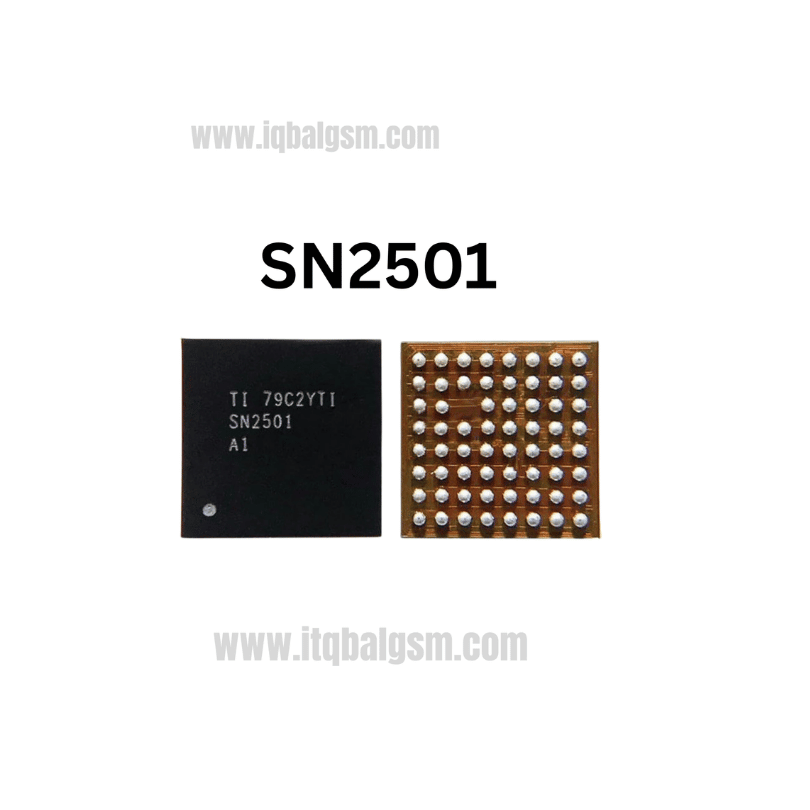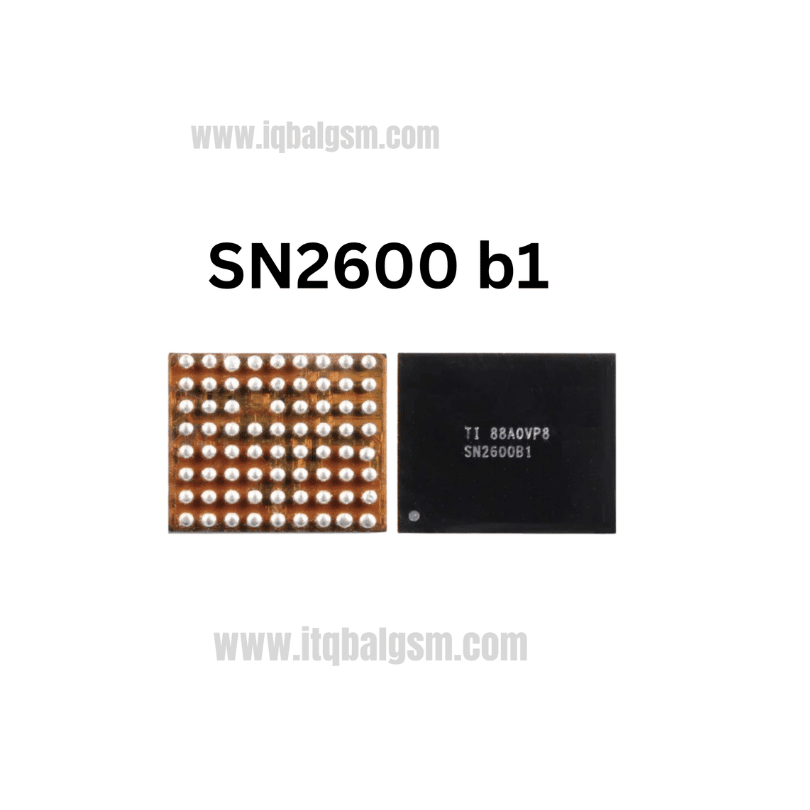

8Q = 7L IC
As low as
Rs 280.00
Worldwide shipping · Cash on Delivery
Product Details
--------------------------------------------------------------------------------
SECTION 1: INTERNAL ARCHITECTURE & CIRCUIT OPERATION
--------------------------------------------------------------------------------
1. Power Input & Switching Stage:
- VBUS Input: Accepts 4.0V to 14V input from standard 5V chargers or 9V fast chargers with input over-voltage protection (OVP).
- Synchronous Buck Converter: Controls internal high-side and low-side power MOSFETs via an external low-profile power inductor (typically 1.0µH to 2.2µH).
- Switching Node (SW / LX): Converts high-voltage USB power into regulated system voltage with efficiency up to 94%.
2. Power-Path (NVDC) Management:
- Battery FET (BATFET): Controls bidirectional current flow between the system node (VSYS / VPH_PWR) and the battery (VBAT).
- Instant-On Functionality: Allows the device to boot immediately when plugged in, even if the lithium battery is discharged down to 0V.
- I2C Control Interface (SDA / SCL): Communicates with the main PMIC or application processor to report battery state-of-charge, input current limits, and thermal throttling.
--------------------------------------------------------------------------------
SECTION 2: BOARD-LEVEL TROUBLESHOOTING & COMMON FAULT PATTERNS
--------------------------------------------------------------------------------
1. No Charging / Zero Current Draw on USB Tester:
- USB tester remains at 5V / 0.00A when the charging cable is connected.
- Cause: Blown internal input FET (VBUS to PMID), damaged bootstrap capacitor, or shorted VBUS decoupling capacitor.
2. Fake Charging (Animation Displays, Battery Does Not Increase):
- Battery indicator shows charging symbol, but battery percentage stays stagnant or drops during usage.
- Cause: Burned buck power inductor, defective external current sensing resistor, or failing internal BATFET inside 8Q.
3. Complete Dead Phone (No Power, No Boot):
- Phone shows zero response to the power button, drawing 0mA or fluctuating on bench power supply.
- Cause: Failure of the 8Q IC to generate the fundamental VPH_PWR / VSYS system power rail (which powers the main PMIC).
4. Overheating Logic Board & High Battery Drain:
- Charging IC gets scalding hot to the touch; battery drains 10%–20% per hour in standby.
- Cause: Partial internal breakdown of the synchronous rectifier FET in the 8Q chip leaking VPH_PWR to ground.
--------------------------------------------------------------------------------
SECTION 3: STEP-BY-STEP MULTIMETER TESTING & DIAGNOSTICS
--------------------------------------------------------------------------------
1. Cold Testing (Diode Mode Drop Readings in mV):
- Multimeter in Diode Mode: Place RED probe on logic board Ground (GND shield), probe peripheral capacitors around 8Q with BLACK probe:
* VBUS Input Pin / Capacitor: ~500 mV to 650 mV (0.000V indicates blown input protection or shorted 8Q).
* PMID Capacitor: ~500 mV to 600 mV.
* VPH_PWR / VSYS Inductor: ~350 mV to 450 mV (0.000V indicates full system rail short).
* VBAT Battery Positive Terminal / Filter: ~400 mV to 500 mV.
* I2C Bus Lines (SCL / SDA): ~450 mV to 550 mV with pull-up behavior.
2. Hot Testing (USB Charging Cable Connected):
- Measure DC Voltages with BLACK probe grounded:
* VBUS Input: Steady +5.0V to +5.2V DC (or ~9.0V on fast-charge handshake).
* PMID Capacitor: Must match VBUS voltage (~5.0V).
* Power Inductor (VSYS / VPH_PWR): Must measure steady 3.6V to 4.2V DC.
* VBAT Terminal: Must measure charging voltage ramping up to 4.2V–4.4V DC.
- Diagnostic Conclusion: If 5V is present at VBUS and PMID, but the inductor shows 0V on VPH_PWR, the 8Q charging IC is defective and must be replaced.
--------------------------------------------------------------------------------
SECTION 4: SOLDERING & REWORK SPECIFICATIONS
--------------------------------------------------------------------------------
1. Safe Removal Procedure:
- Shield nearby plastic battery connectors, SIM card trays, and the CPU with Kapton tape and heat-deflecting aluminum foil.
- Dispense a moderate bead of high-grade tacky rosin flux (e.g., Amtech NC-559-V2-TF) around the perimeter of the 8Q IC.
- Hot Air Station: 330°C - 340°C, 25% - 30% airflow with a medium nozzle.
- Heat in a smooth, continuous circular motion for 10–14 seconds. Once the solder alloy under the central thermal pad and perimeter pins melts, lift the IC vertically using straight micro-tweezers.
2. Motherboard Pad Dressing:
- Apply a small bead of 183°C leaded solder (Sn63/Pb37) across the footprint to absorb lead-free residues.
- Gently sweep 0.8mm desoldering braid at 320°C across the pads and central ground belly pad to flatten all surfaces.
- Clean the area thoroughly with 99.9% pure Isopropyl Alcohol (IPA) and verify under stereo microscope for zero pad bridges or solder whiskers.
3. Installation of Replacement 8Q IC:
- For QFN packages with perimeter leads and central thermal pad, ensure the replacement chip has clean, uniform pre-tinned solder pads.
- Smear a microscopic film of tacky flux across the motherboard pad footprint (avoid excess flux under central pad to prevent chip floating).
- Carefully align Pin 1 indicator dot on the chip surface with the motherboard silkscreen white dot.
- Solder at 320°C with 20% airflow; the surface tension of the molten solder will automatically center the chip. Lightly tap the top of the chip with tweezers to confirm reflow.
- Allow the PCB to cool naturally for 2 minutes, clean flux residue with IPA, reconnect charging flex cable, and verify normal 1.5A–2.0A fast charging on the USB power meter.
You may also like