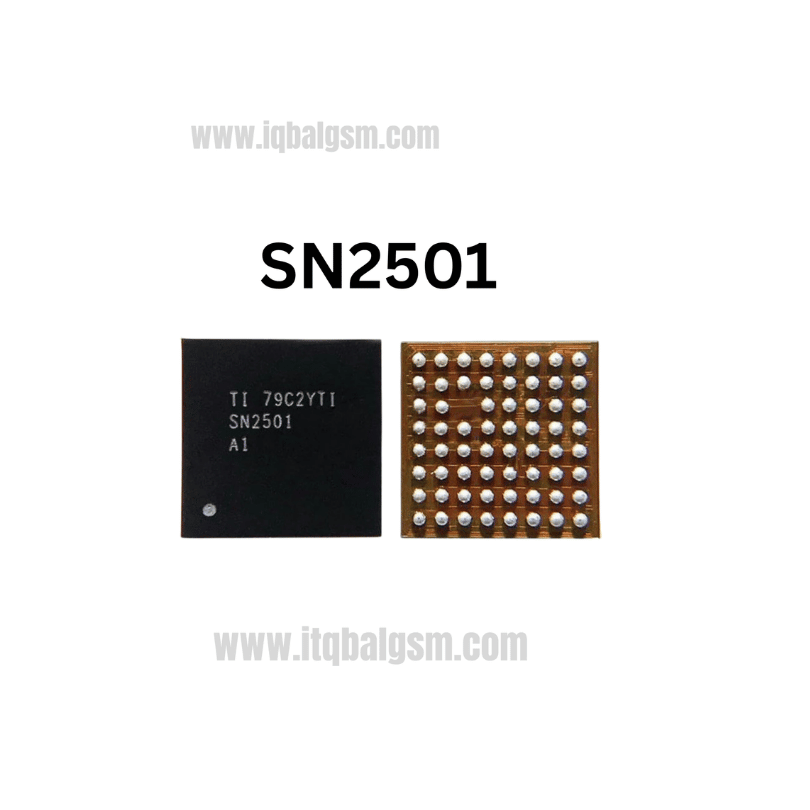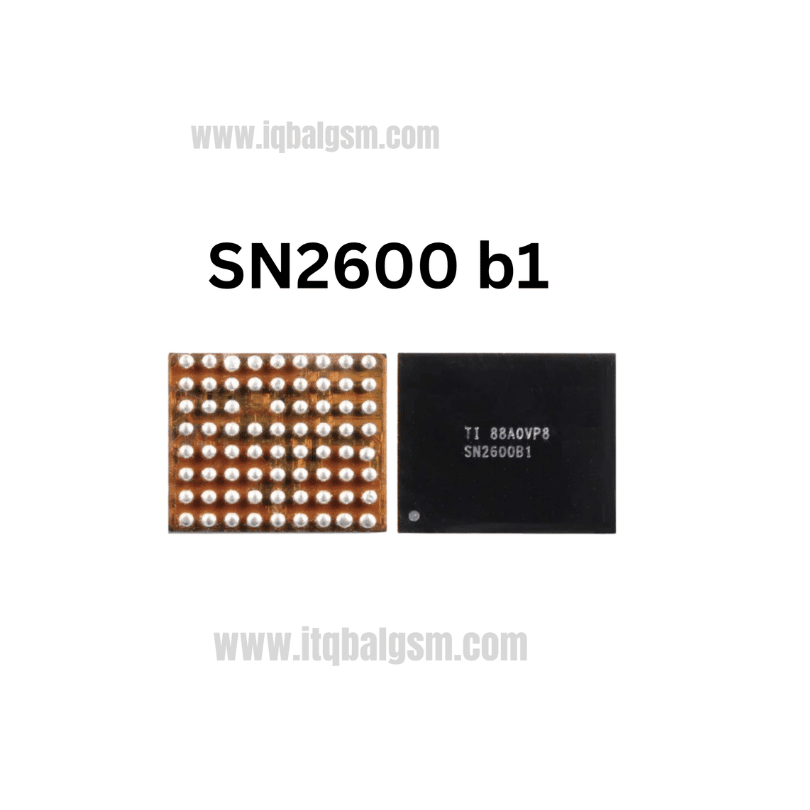

8736 IC
As low as
Rs 0.00
Worldwide shipping · Cash on Delivery
Product Details
--------------------------------------------------------------------------------
SECTION 1: INTERNAL PIN ARCHITECTURE & CIRCUIT TOPOLOGY (FC-16 / 4x4 MATRIX)
--------------------------------------------------------------------------------
1. Pinout Breakdown (Top View 4x4 Grid):
- Row A:
* Pin A1 (INP): Positive Analog Audio Differential Input.
* Pin A2 (INN): Negative Analog Audio Differential Input.
* Pin A3 (VDD): Analog Power Supply & Decoupling Node.
* Pin A4 (SHDN): Chip Enable / Shutdown Pin (High = Operating, Low = Low-Power Standby <0.1µA).
- Row B:
* Pin B1, B2 (C2N): Negative Terminal for Flying Capacitor C2 (Chargepump Circuit).
* Pin B3 (VDD): Analog Power Supply Connection.
* Pin B4 (VOP): Positive Audio Power Output to Loudspeaker.
- Row C:
* Pin C1 (C1N): Negative Terminal for Flying Capacitor C1.
* Pin C2, C3, C4 (GND): System Power Ground (Central Thermal Dissipation Pads).
- Row D:
* Pin D1 (C2P): Positive Terminal for Flying Capacitor C2.
* Pin D2 (C1P): Positive Terminal for Flying Capacitor C1.
* Pin D3 (PVDD): Battery Power Supply Input (Connected to VBAT/VPH_PWR).
* Pin D4 (VON): Negative Inverting Audio Power Output to Loudspeaker.
2. Functional Circuit Principles:
- K-Chargepump System: Uses two small external ceramic flying capacitors (C1, C2 typically 1.0µF / 10V X5R) between C1P/C1N and C2P/C2N to double/boost the battery input dynamically without requiring an expensive, bulky external inductor.
- NCN (No-Crack-Noise) Protection: Automatically senses the battery supply level and dynamically adjusts gain to eliminate harsh clipping distortion when the battery drops below 3.6V.
--------------------------------------------------------------------------------
SECTION 2: BOARD-LEVEL TROUBLESHOOTING & FAULT SYMPTOMS
--------------------------------------------------------------------------------
1. Dead Speaker / Zero Ringer Audio:
- Phone rings on screen with incoming calls, vibration functions normally, but zero acoustic output from the bottom speaker.
- Cause: Missing VBAT/PVDD supply to Pin D3, missing 1.8V SHDN enable voltage on Pin A4, or an internally open-circuit output FET.
2. Audio Cracking / Rasping Noise at High Volume:
- Sound plays cleanly at low volume (10-30%), but clips violently or crackles at 70-100% volume.
- Cause: One of the external charge-pump flying capacitors (C1 or C2) is cracked, dry-soldered, or electrically leaky, preventing proper rail boosting.
3. Complete Board Short Circuit (Dead Phone):
- Connecting the logic board to a DC power supply immediately causes current draw to peg at 2A–3A (0.000V on VPH_PWR/VBAT).
- Cause: Internal breakdown of the PVDD-to-GND switching MOSFET within the AW8736 IC.
4. Fast Battery Drain & localized Overheating:
- Phone draws 80mA–200mA continuously in standby mode; the lower thermal shield gets warm to the touch.
- Cause: AW8736 failing to enter shutdown mode due to a leaky SHDN line or degraded silicon.
--------------------------------------------------------------------------------
SECTION 3: STEP-BY-STEP MULTIMETER TESTING & DIAGNOSTICS
--------------------------------------------------------------------------------
1. Cold Testing (Diode Mode Readings in mV):
- Set Multimeter to Diode Mode; connect the RED probe to logic board GND shield, test surrounding capacitors and resistors with the BLACK probe:
* PVDD (Pin D3) Input Capacitor: Normal reading is ~350 mV to 450 mV (0.000V confirms shorted IC or shorted decoupling cap).
* Flying Capacitor Pins (C1P, C2P): Normal reading is ~400 mV to 550 mV.
* Speaker Output Pins (VOP / VON): Measure on EMI filter beads leading to speaker contacts; both lines must show identical diode values within ~500 mV to 650 mV (asymmetry >50 mV indicates internal output stage failure).
* SHDN (Pin A4): ~500 mV to 600 mV.
2. Hot Testing (Phone Powered On & Ringtone/Music Playing):
- Measure DC Voltages with BLACK probe on Ground:
* PVDD: Must measure full battery voltage (~3.8V to 4.2V DC).
* SHDN: Must measure ~1.8V DC when audio starts playing; drops to 0V when audio pauses.
* VOP / VON Terminals: Should show balanced DC bias (typically half the internal supply) and fluctuate between 1.0V to 3.0V AC RMS under full musical playback.
--------------------------------------------------------------------------------
SECTION 4: SOLDERING, DESOLDERING & INSTALLATION SPECIFICATIONS
--------------------------------------------------------------------------------
1. Desoldering Procedure:
- Protect nearby plastic battery connectors, SIM card slots, and processor shields with Kapton tape and heat-dissipating aluminum foil.
- Apply a small dab of quality tacky rosin flux (e.g., Amtech NC-559-V2) around the AW8736 chip perimeter.
- Hot Air Station: 320°C - 330°C, 25% airflow with a small 2.5mm nozzle.
- Heat evenly in concentric circular motions for 8–12 seconds until solder reflows; lift straight up using fine-tip micro-tweezers.
2. Motherboard Pad Preparation:
- Apply 183°C leaded solder paste or wire to the 16 motherboard pads to rejuvenate the pad alloy.
- Gently glide 0.8mm desoldering wick using a 320°C chisel iron tip to flatten all 16 pads completely flat without applying downward pressure.
- Clean the area thoroughly with 99.9% Isopropyl Alcohol (IPA) and inspect under microscope for pad bridges or lifted copper traces.
3. Reballing & Installing New AW8736 IC:
- For new chips from tape/reel, factory solder bumps are pre-formed. If re-using a chip, use a universal 0.4mm pitch FCQFN stencil with 183°C solder paste reflowed at 250°C.
- Smear a microscopic, transparent film of flux over the motherboard pad footprint.
- Orient Pin A1 index mark according to the motherboard silkscreen white dot.
- Reflow at 320°C with gentle 20% airflow; the surface tension of the molten solder will automatically pull the lightweight 2x2mm chip into centered alignment.
- Allow the PCB to cool naturally for 2 minutes, remove flux residue with IPA, reinstall motherboard into chassis, and confirm crystal-clear loudspeaker sound and ringer functionality.
You may also like