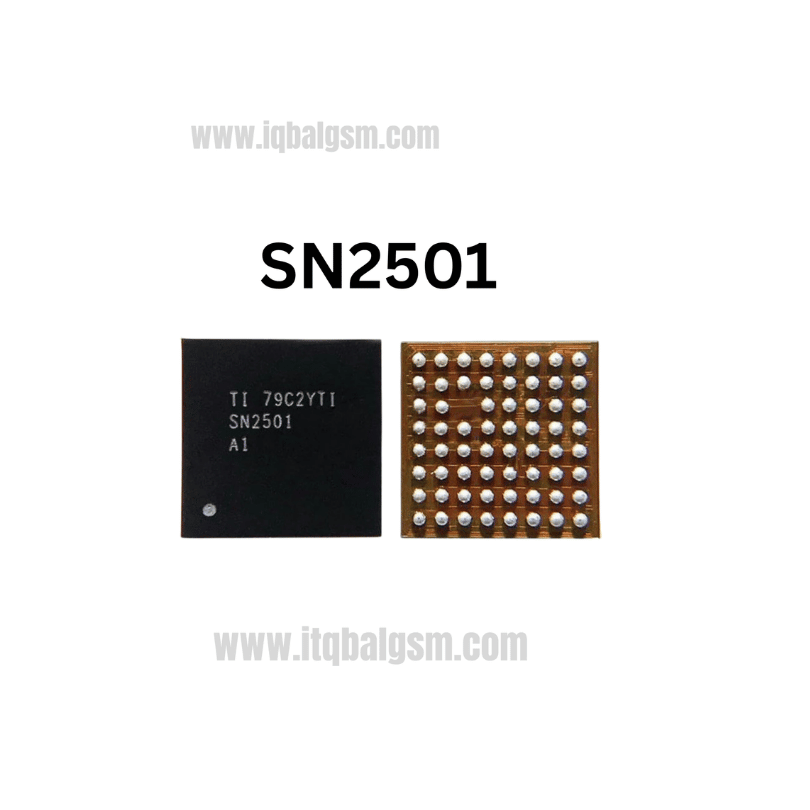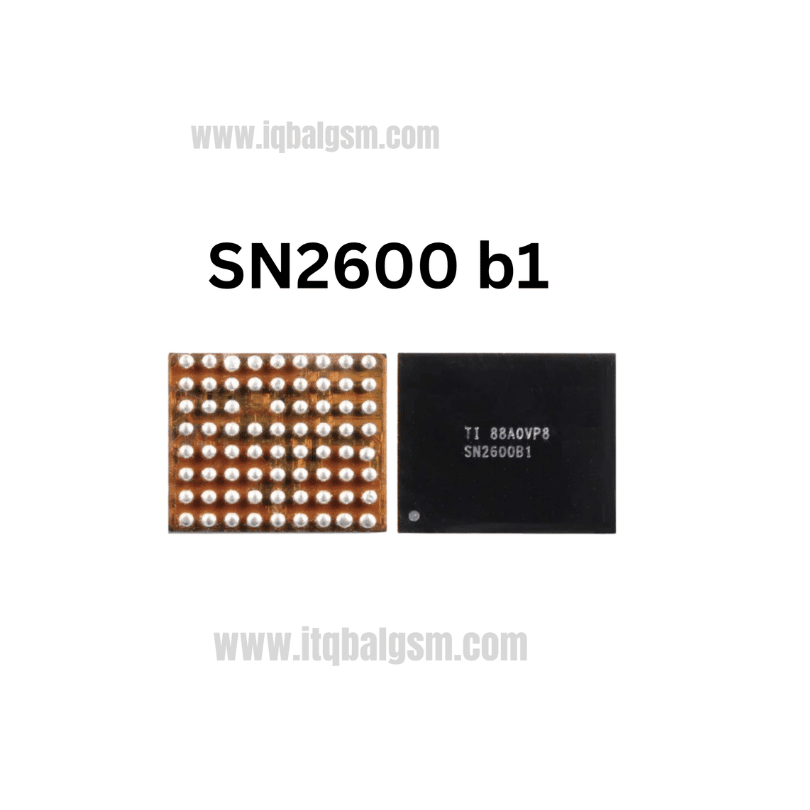

77927-21 IC
As low as
Rs 0.00
Worldwide shipping · Cash on Delivery
Product Details
1. ARCHITECTURAL & CIRCUIT OVERVIEW
The SKY77927-21 is an advanced multi-chip RF Front-End Module (FEM) in Skyworks' SkyLiTE 2.0 portfolio, succeeding the -11 revision with improved internal matching, efficiency, and revised silicon steppings. It integrates low-band and mid/high-band GaAs Heterojunction Bipolar Transistor (HBT) power amplifiers, a CMOS digital controller, an antenna diplexer for Carrier Aggregation (CA), and a 16-port high-isolation RF switch matrix. All RF ports are internally matched to 50 ohms with zero DC offset on TRx lines (eliminating external DC-blocking series capacitors). Main power is supplied via VBAT/VPA (3.4V to 4.5V) alongside a 1.8V VIO rail for the MIPI RFFE digital communication bus.
2. HARDWARE DIAGNOSTICS & FAULT ISOLATION
A. Cold Diode Mode Testing (Multimeter in Diode Mode, Red probe on Ground, Black probe on test point):
- Locate the large bypass capacitors connected directly to the VBAT power pads of the SKY77927-21:
* Normal forward voltage drop: ~0.350V - 0.460V.
* Short circuit (< 0.050V): Confirms internal puncture/dielectric breakdown in the GaAs PA final amplification stages.
- Probe the MIPI RFFE clock and data lines (RFFE_SCLK, RFFE_SDATA) and the 1.8V VIO supply line:
* Normal forward voltage drop: ~0.420V - 0.580V.
* Open circuit (OL) indicates broken solder pads or fractured PCB traces; 0.00V indicates a shorted digital controller.
B. Hot Testing (Connected to Regulated DC Bench Power Supply set to 4.0V, 2.5A current limit):
- Standby Current: Observe current before pressing power. A normal motherboard draws 0.000A. A degraded or internally leaking 77927-21 typically draws 60mA - 320mA immediately.
- Active Call Testing: Power on the device and dial an emergency number (*#112 / *#911). If the bench meter abruptly spikes above 1.8A and the phone resets, shuts down, or drops signal completely, the internal PA stage is shorting under maximum transmit drive.
3. THERMAL MANAGEMENT & SURROUNDING COMPONENT PROTECTION
- The SKY77927-21 is constructed on an organic laminate substrate with plastic mold encapsulation. Excessive temperature or prolonged heating causes internal layer separation (popcorning), pad delamination, or warpage.
- Adjacent Critical Components: On OPPO A5 2020 and similar boards, the RF transceiver (WTR2965 / SDR660), 19.2MHz reference crystal oscillator, intermediate SAW filters, PMIC, and plastic SIM card trays are situated within 5mm to 10mm.
- Thermal Masking: Apply two layers of polyimide (Kapton) tape over adjacent components, covered with a layer of aluminum foil or a copper heat-sink coin to divert hot air from sensitive silicon and prevent frequency drift in the clock crystal.
4. STEP-BY-STEP REWORK PROTOCOL
A. Desoldering / Removal:
- Apply a light, uniform layer of high-grade tacky no-clean BGA flux (e.g., Amtech NC-559-V2 or Kingbo RMA-218) around the perimeter of the IC.
- Hot Air Rework Station Settings: 330°C - 350°C (depending on station thermal transfer efficiency, 6mm - 8mm nozzle) with 40-50% airflow.
- Pre-heat the entire RF zone from a distance of 4cm - 5cm for 25-30 seconds to raise local PCB temperature to ~150°C and minimize thermal shock.
- Move the hot air nozzle in a consistent square/circular path over the outer perimeter pads of the SKY77927-21.
- Test melt status using precision tweezers on an adjacent passive component. Once solder reaches liquidus (around 217°C for factory lead-free alloy), gently lift the IC straight upward. Never pry, tilt, or slide against cold pads.
B. Motherboard Pad Dressing:
- Apply fresh flux to the 44-pad PCB footprint.
- Using a soldering iron with a knife or bevel tip set at 320°C and clean copper desoldering braid, gently absorb residual solder. Keep the tip flat to avoid scratching the solder resist between closely spaced 0.35mm pitch pads.
- Clean the footprint thoroughly with 99.9% anhydrous Isopropyl Alcohol (IPA) and an ESD brush. Inspect under microscope for flat, unbridged ground pads and intact signal vias.
C. Reballing / Stenciling:
- Use a dedicated 77927 stencil or a universal 0.35mm - 0.40mm LGA/BGA stencil.
- Recommended Solder Alloy: Medium-temperature leaded solder paste (Sn63/Pb37, melting point 183°C) for maximum mechanical flexibility and resilience against thermal cycling.
- Spread paste evenly across all 44 apertures using a squeegee, wipe away excess paste, hold the stencil flat, and reflow at 260°C - 280°C with low airflow (15-20%).
- Allow to cool, release stencil, and inspect solder bump height uniformity under microscope.
D. Resoldering & Alignment:
- Coat the motherboard footprint with an ultra-thin film of tacky flux (excess flux causes the lightweight 44-pad LGA package to float or shift).
- Orient Pin 1 matching the corner chamfer / laser dot marker to the motherboard silkscreen guide.
- Position hot air nozzle vertically at 320°C - 330°C with 30-35% airflow directly above the chip.
- Heat steadily until flux activates and solder reflows. The chip will visibly snap into position due to molten solder surface tension ("self-centering").
- Perform a micro-nudge test with tweezers: touch the corner gently; if it springs back instantly into alignment, reflow is complete.
- Remove heat immediately and allow natural cooling for 90 seconds without moving the board.
5. POST-REWORK VERIFICATION
- Measure resistance and diode mode value across VBAT decoupling capacitors to confirm zero solder bridges to ground.
- Clean residual flux using an ESD brush with IPA.
- Connect cellular coaxial antenna cables and ensure RF ground contact springs touch the phone chassis firmly.
- Insert an active SIM card, power up the handset, and dial *#*#4636#*#* to access the Phone Information engineering menu.
- Verify RSRP / RSSI signal strength, test 2G/3G/4G network registration, initiate a test voice call, and run a cellular data throughput test to confirm sustained RF transmit/receive stability.
You may also like