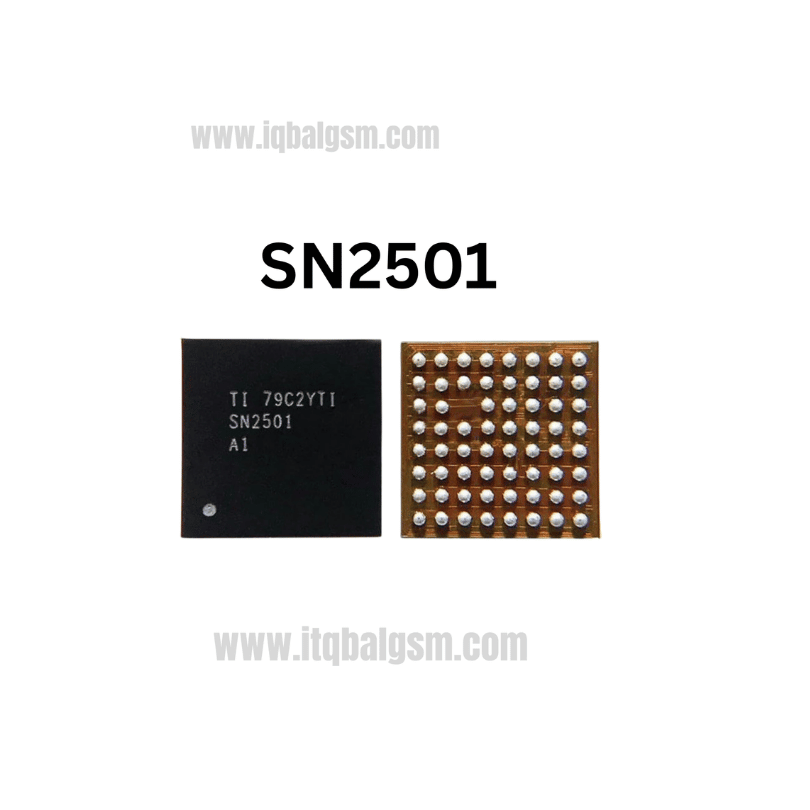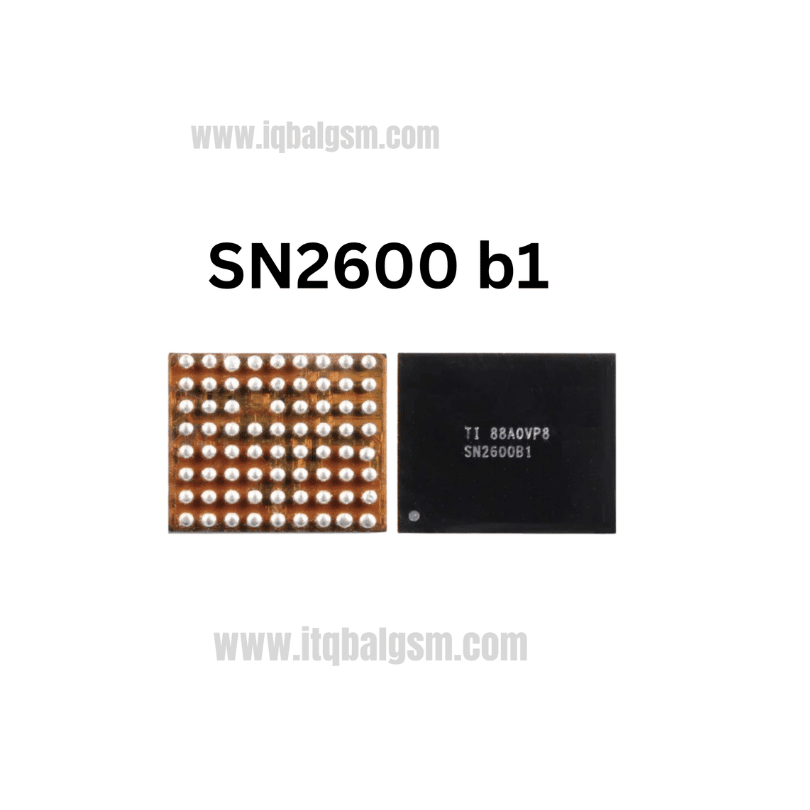

77912-61 IC
As low as
Rs 0.00
Worldwide shipping · Cash on Delivery
Product Details
1. ARCHITECTURAL & CIRCUIT OVERVIEW
The SKY77912-61 is a multi-chip RF Front-End Module (FEM) that bridges the transceiver (such as Qualcomm WTR2965 / WTR3925 or MediaTek MT6177) and the cellular antenna switch circuit. It integrates GaAs Heterojunction Bipolar Transistor (HBT) power amplifier blocks, a CMOS controller with MIPI RFFE logic, and high-isolation pHEMT RF switches. The 10 TRx ports feature 0V DC offset (eliminating external DC-blocking capacitors) and internal 50-ohm matched impedance lines. It is powered directly from VBAT/VPA and regulated VIO (1.8V).
2. HARDWARE DIAGNOSTIC PROCEDURE
A. Cold Testing (Multimeter in Diode Mode, Red probe on Ground, Black probe on test point):
- Locate the large bypass capacitors surrounding the SKY77912-61 connected to VBAT:
* Standard forward voltage drop: ~0.350V - 0.450V.
* Reading of 0.000V - 0.020V indicates internal breakdown of the PA output stage to ground.
- Probe the MIPI RFFE lines (RFFE_CLK, RFFE_DATA) and VIO (1.8V rail):
* Standard reading: ~0.400V - 0.550V.
* OL (Open Loop) indicates cracked solder joints beneath the IC pads.
B. Hot Testing (Connected to Regulated DC Bench Power Supply):
- Check standby current before pressing power button:
* If current draws >80mA without prompt, check thermal signature of the 77912-61 using freeze spray or thermal imaging camera.
- Power up phone and observe current meter during manual network search (Settings -> Cellular Networks -> Search Networks):
* If phone restarts or current spikes over 1.8A during transmit bursts, the PA die is internally shorted under load.
3. THERMAL SAFEGUARDS & SURROUNDING PROTECTION
- The SKY77912-61 is built on an organic laminate substrate with plastic mold encapsulation. Excessive heat can cause internal layer delamination, blister formation, or ball bridging under the die.
- Critical Adjacent Components: On boards like Redmi Note 4X and Redmi 5A/6A, the RF transceiver (WTR2965 / MT61xx), 19.2MHz/26MHz TCXO crystal, and power management ICs are in close proximity.
- Protection: Apply double-layer Kapton tape covered with aluminum foil or copper coins over adjacent silicon chips, baseband crystal, and plastic SIM/SD card slots.
4. STEP-BY-STEP REWORK PROTOCOL
A. Desoldering / Removal:
- Apply a small amount of non-corrosive, high-tack BGA flux (e.g., Kingbo RMA-218 or Amtech NC-559-ASM) around the edges of the IC.
- Hot Air Settings: 330°C - 350°C (airflow: 40-50%, using a 6mm - 7mm round nozzle).
- Pre-heat the general RF shield zone from a distance of 3-4 cm for 25-30 seconds to bring PCB temperature to ~150°C.
- Move nozzle in consistent concentric rectangles directly over the perimeter pads of the SKY77912-61.
- Lightly touch an adjacent passive capacitor with precision curved tweezers; once solder is molten, grasp the IC by its edges and lift straight upward. Do not scrape or slide across pads.
B. Pad Cleaning & PCB Preparation:
- Add fresh flux to the PCB footprint.
- Using a knife or hoof soldering iron tip set at 320°C with copper desoldering wick, smoothly absorb old solder. Keep the tip flat to avoid scratching the solder mask between close-pitch LGA pads.
- Thoroughly clean the footprint using 99.9% Isopropyl Alcohol (IPA) and an ESD brush. Ensure ground pads and peripheral signal traces are clean, flat, and non-bridged.
C. Reballing / Tinning:
- Use a dedicated 77912-61 stencil or universal 0.35mm/0.40mm LGA stencil.
- Recommended Solder Alloy: Low-to-medium temperature leaded paste (Sn63/Pb37, melting point 183°C) or low-melt (Sn42/Bi58, melting point 138°C) if working near sensitive CPUs.
- Squeegee paste across stencil apertures evenly, remove excess, and hold stencil flush.
- Reflow with hot air at 260°C - 280°C (low airflow 15-20%) until balls form uniformly.
- Release stencil and inspect ball height uniformity under microscope.
D. Resoldering / Installation:
- Coat the motherboard footprint with a micro-thin layer of tacky flux (excess flux causes the lightweight chip to float away from pads).
- Check Pin 1 orientation index (chamfered edge and dot marker matching the white silkscreen corner on the PCB).
- Position hot air gun at 320°C - 330°C with 30-35% airflow directly above the chip.
- Heat vertically until flux activates and solder liquefies. Observe the chip self-aligning via molten solder surface tension.
- Perform a micro-nudge test with tweezers: touch the corner gently; if it springs back instantly into alignment, reflow is complete.
- Remove heat and allow natural cooling for 90 seconds.
5. POST-REWORK VERIFICATION
- Measure resistance and diode value on VBAT decoupling capacitors to confirm no shorts to ground.
- Clean residual flux with IPA.
- Connect antenna coaxial jumpers, reattach RF shielding frames, insert SIM card, and power on.
- Dial *#*#4636#*#* to enter Phone Information test menu: verify GSM/WCDMA/LTE signal strength (RSSI / RSRP), confirm Band 1/3/5/8/39/40 reception, and perform an active voice call and mobile data transmission test.
You may also like