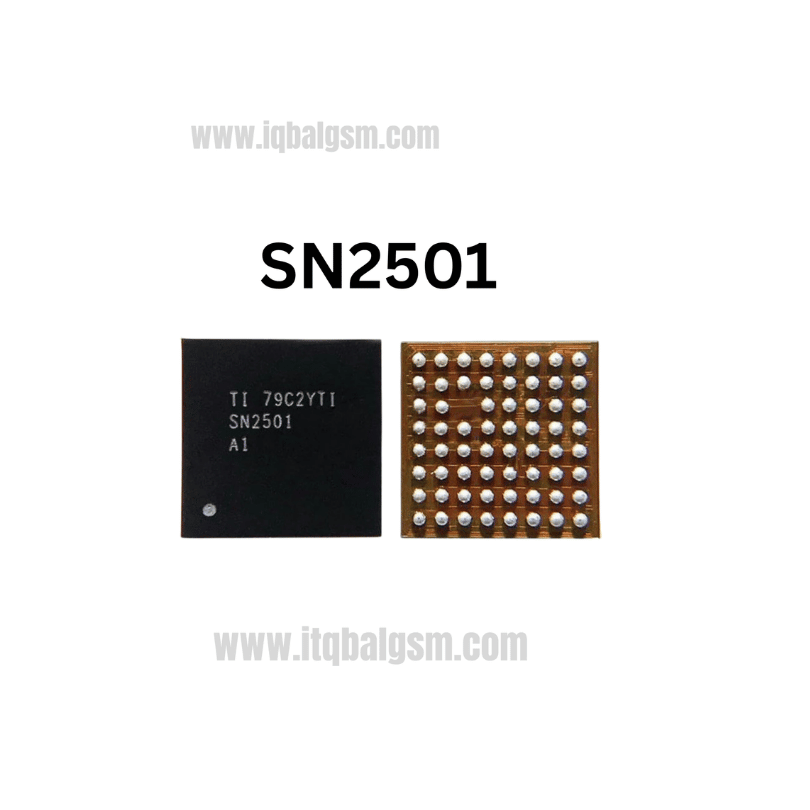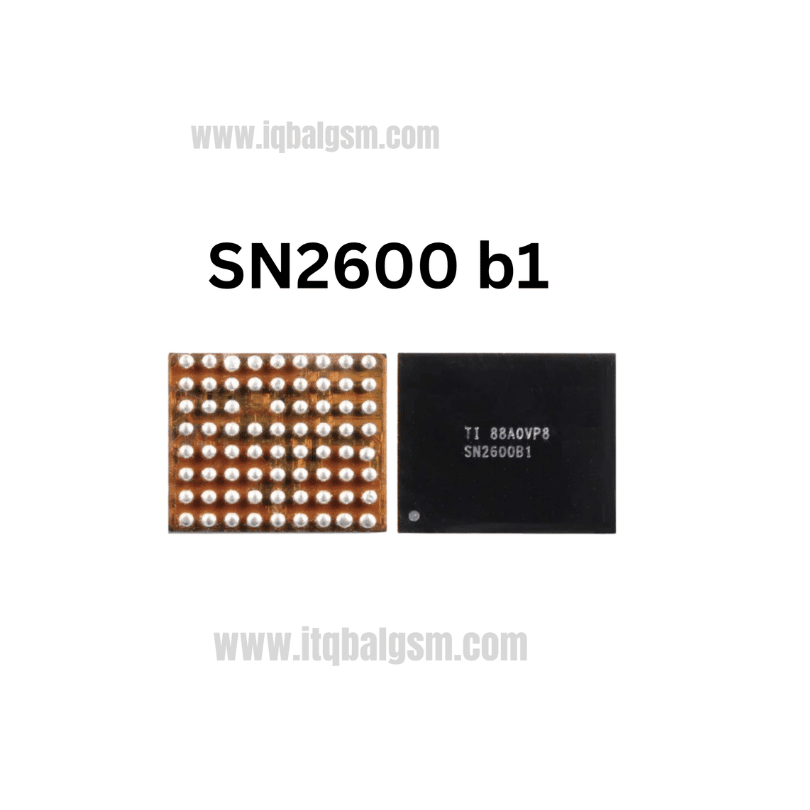

5762 IC
As low as
Rs 280.00
Worldwide shipping · Cash on Delivery
Product Details
--------------------------------------------------------------------------------
SECTION 1: INTERNAL ARCHITECTURE & CIRCUIT ROLE (U_XCVR_K)
--------------------------------------------------------------------------------
1. RF Front-End & Baseband Transceiver Core:
- Receiver Path (RX): Takes filtered RF signals from low-noise amplifiers (LNAs) and antenna switches, down-converting multi-band carrier frequencies into differential analog baseband (I/Q) signals.
- Transmitter Path (TX): Up-converts baseband I/Q transmit signals from the modem, feeding modulated RF energy into power amplifier modules (PAMs).
- Frequency Synthesizer & Local Oscillator (LO): Multi-band internal Phase-Locked Loops (PLLs) locked to a 38.4 MHz reference crystal oscillator for ultra-precise carrier channel locking.
2. Baseband Power & Clock Distribution:
- Supply Rails: Operates on regulated low-dropout lines from the Baseband PMIC (typically PP_1V0_SMPS, PP_1V8_LDO, PP_1V2_LDO, and PP_VDD_MAIN).
- Inter-Board Bus (Sandwich PCB): Communicates with the upper logic board application processor and lower baseband board through middle-layer interposer solder pads.
--------------------------------------------------------------------------------
SECTION 2: BOARD-LEVEL TROUBLESHOOTING & COMMON FAULT PATTERNS
--------------------------------------------------------------------------------
1. No Service / Constant "Searching..." Cycle:
- Device powers on normally, Wi-Fi and Bluetooth function, but the status bar permanently displays "Searching..." or "No Service" with a working SIM inserted.
- Cause: Missing reference clock to U_XCVR_K, open-circuit solder balls beneath 5762 from board flexure/drops, or internal transceiver failure.
2. Blank Modem Firmware & Missing IMEI on *#06#:
- Navigating to Settings > General > About shows a blank Modem Firmware field; dialing *#06# on Phone keypad yields zero response.
- Cause: Baseband processor stalls during power-on handshake because U_XCVR_K fails to acknowledge on the control bus or has a shorted power rail.
3. Cellular Baseband Board Direct Short Circuit:
- iPhone logic board draws 150mA–800mA prior to boot, or excessive current draw on PP_VDD_MAIN / PP_1V0_SMPS with localized heat over the lower RF section.
- Cause: Internal power rail breakdown inside the PMB5762 chip bridging supply lines to ground.
4. iTunes Restore Error (-1 / 4013 / 50):
- Flashing or updating iOS via 3uTools or iTunes aborts around 60%–80% (during baseband verification phase).
- Cause: Corrupted baseband communication caused by pseudo-soldered or internally defective 5762 transceiver.
--------------------------------------------------------------------------------
SECTION 3: STEP-BY-STEP MULTIMETER TESTING & DIAGNOSTICS
--------------------------------------------------------------------------------
1. Cold Testing (Diode Mode Drop Readings in mV):
- Set Multimeter to Diode Mode; place RED probe on logic board Ground (GND shield), probe peripheral filter capacitors around U_XCVR_K with BLACK probe:
* PP_1V0 Power Rail: Normal reading is ~320 mV to 420 mV (0.000V indicates blown 5762 or shorted filter cap).
* PP_1V8 Power Rail: Normal reading is ~400 mV to 520 mV.
* PP_1V2 Power Rail: Normal reading is ~350 mV to 460 mV.
* 38.4 MHz Clock Input Line: ~450 mV to 600 mV.
* Baseband I/Q Differential Signal Lines: ~550 mV to 680 mV (each differential pair must be tightly matched within 10 mV).
2. Hot Testing (Motherboard Split / Powered via DC Bench Supply):
- Check DC voltages on baseband test points during boot sequence:
* PP_1V0 Rail: Must measure steady 1.0V DC.
* PP_1V8 Rail: Must measure steady 1.8V DC.
* PP_1V2 Rail: Must measure steady 1.2V DC.
- Diagnostic Conclusion: If all supply voltages and the 38.4 MHz clock are present, but the phone still fails to output IMEI or register on cellular networks, the 5762 IC is internally defective and must be replaced.
--------------------------------------------------------------------------------
SECTION 4: SOLDERING, REBALLING & REWORK SPECIFICATIONS
--------------------------------------------------------------------------------
1. Double-Decker Board Separation (iPhone XS / XS Max):
- Place the motherboard assembly onto a specialized heating platform (e.g., MianJing / QianLi heating station) set to 185°C - 195°C.
- Once the middle-layer interposer solder softens (after ~2–3 minutes), carefully lift the top logic board off the bottom RF board using tweezers.
2. U_XCVR_K (5762) Desoldering:
- Secure the bottom RF board on a dedicated motherboard fixture. Apply Kapton tape over adjacent shielded circuits.
- Dispense Amtech NC-559-V2 tacky flux around the 5762 chip perimeter.
- Hot Air Station Settings: 330°C - 340°C, 30% airflow with a medium nozzle.
- Heat in a smooth, continuous circular motion for 12–15 seconds; vertically lift the 247-pin chip with fine-point micro-tweezers once fully molten.
3. Motherboard Pad Dressing:
- Apply low-melting 183°C leaded solder across the footprint pads to absorb lead-free residues.
- Sweep 0.8mm desoldering braid gently at 320°C across the 247 pads; ensure zero pad tearing or masking layer damage.
- Thoroughly clean with 99.9% Isopropyl Alcohol (IPA) and verify under stereo microscope that all pads are uniform and flat.
4. Reballing & Installation of New PMB5762 IC:
- Secure a dedicated 5762 BGA stencil (0.12mm thickness) over the replacement chip; apply 183°C solder paste and reflow at 260°C to create 247 uniform micro-spheres.
- Smear a microscopic film of tacky flux onto the PCB footprint.
- Align Pin 1 index dot with the board silkscreen guide mark.
- Reflow at 325°C with 25% airflow until the chip snaps into centered position via surface tension; gently nudge with tweezers to confirm reflow.
- Re-attach bottom RF board to top logic board on heating station, retest device, and confirm full cellular signal bars, valid Modem Firmware, and working *#06# IMEI display.
You may also like