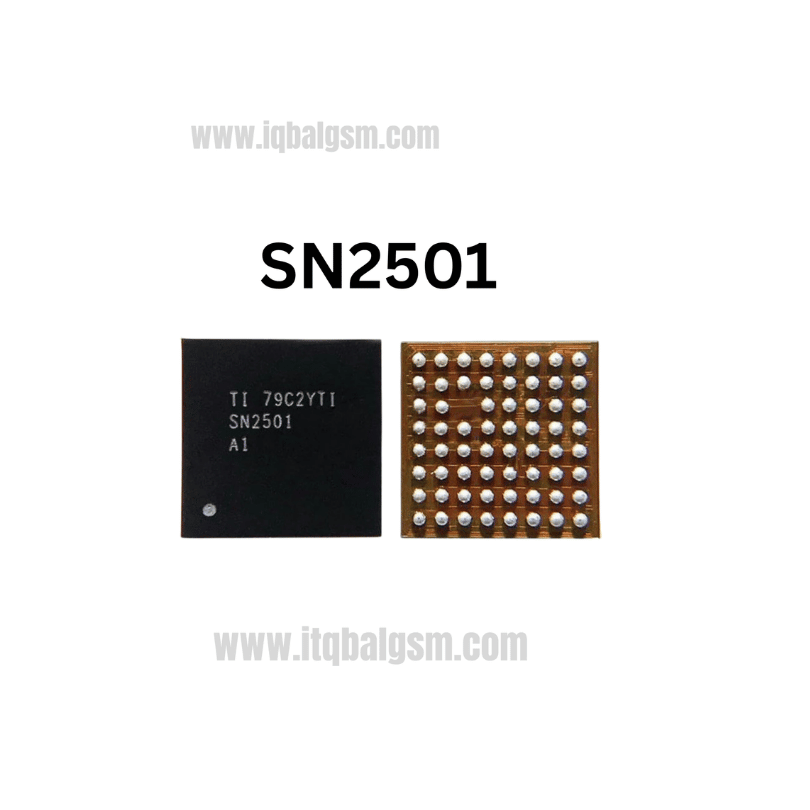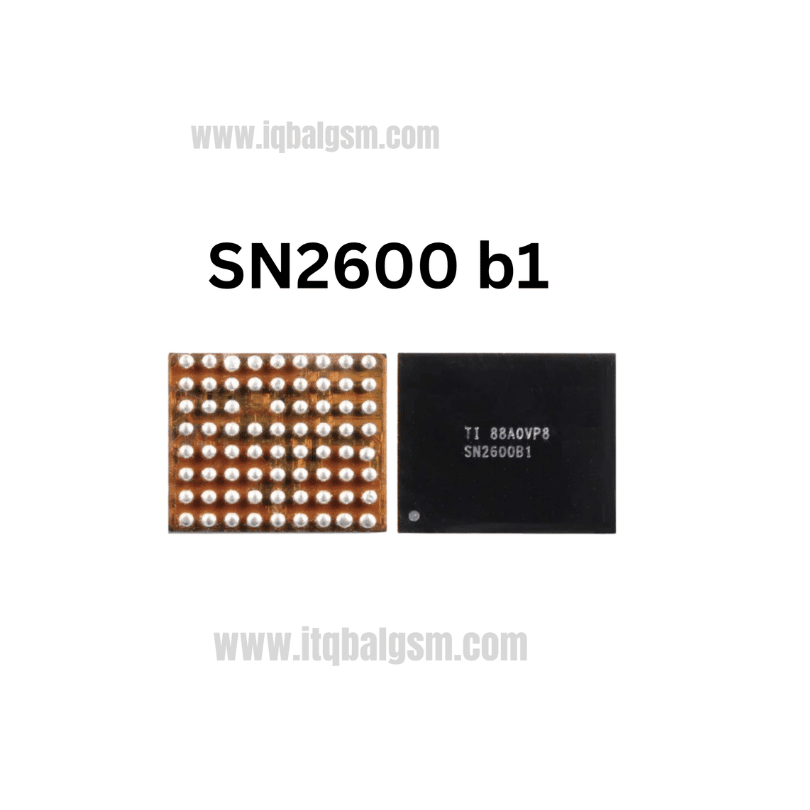

36923H IC
As low as
Rs 400.00
Worldwide shipping · Cash on Delivery
Product Details
--------------------------------------------------------------------------------
SECTION 1: FUNCTIONAL ARCHITECTURE & CIRCUIT ROLE
--------------------------------------------------------------------------------
1. Triple-String Boost Architecture (12-Ball DSBGA):
- Schematic Reference: Typically designated as U_BACKLIGHT, U_LIGHT_IC, or LM36923H in Huawei / Honor schematics.
- Core Pinout & Operation:
* VIN (Pin B1): Power supply input connecting directly to battery voltage (VBAT / 2.5V to 5.5V), decoupled by a ceramic input capacitor.
* SW (Pin A1): Inductive switching node connected to an external boost inductor (typically 4.7µH or 10µH, with a saturation current rating > 1.2A).
* VOUT (Pin A2): Boost output terminal connecting to an external fast-recovery Schottky barrier diode cathode and output smoothing capacitors, generating up to 38V DC.
* Current Sinks (LED1 / Pin A3, LED2 / Pin B3, LED3 / Pin C3): Three independent, matched low-side current sink inputs (up to 25mA per string) that regulate the cathode current of each display backlight string with 0.5% channel-to-channel matching.
* I2C Interface (SDA / Pin C2, SCL / Pin C1): 400kHz Fast-mode digital communication bus connected to the Kirin application processor for 11-bit brightness control, string enabling, and fault logging.
* ASEL (Pin B2): I2C slave address select pin (connects to GND for 0x36 or to VIN for 0x37).
* GND / PGND (Pin C4, B4, A4): System analog and power ground return lines.
2. Adaptive Headroom & Protection:
- Features adaptive boost voltage regulation: the IC monitors the voltage across all three LED cathode pins and adjusts the boost converter output to maintain just enough headroom for the lowest string, maximizing energy efficiency (up to 90%+).
- Integrated hardware protections: Over-Voltage Protection (OVP, programmable at 21V, 29V, or 38V), LED Open/Short Detection, Cycle-by-Cycle Peak Current Limiting (1.2A), and Thermal Shutdown at 150°C.
--------------------------------------------------------------------------------
SECTION 2: BOARD-LEVEL FAULT SYMPTOMS
--------------------------------------------------------------------------------
1. Complete Backlight Failure (Dark Screen, Phone Fully On):
- The phone boots completely, vibrates, rings on incoming calls, and is detected by a computer, but the screen remains completely black.
- Flashlight Inspection: Illuminating the display surface at an angle with a bright external light reveals desktop icons, text, and graphics operating normally under the dark glass.
- Root Cause: Blown internal boost power switch inside 36923H, cracked 10µH boost coil, open Schottky diode, or severed anode (VOUT) power track.
2. Uneven Display Backlight / Half Screen Dim / Flickering:
- One vertical section of the screen is darker than the rest, or the display backlight flickers intermittently.
- Root Cause: One of the three current sink channels (LED1, LED2, or LED3) has burned out or has cold solder joints under the 12-ball BGA, causing that specific LED string to turn off and tripping error flags.
3. Brightness Slider Unresponsive (Stuck at Maximum or Minimum):
- Display brightness is locked and cannot be adjusted from Android quick settings.
- Root Cause: Broken I2C communication (SDA/SCL lines disconnected or missing pull-up voltage) between the Kirin CPU and LM36923H.
4. Motherboard Heating & High Standby Battery Drain:
- Internal high-voltage boost transistor punch-through creates a short between VBAT/SW and Ground (0.000V).
- The bench DC power supply trips its current limit (1.5A–2.0A) or gets extremely hot around the display shield area.
--------------------------------------------------------------------------------
SECTION 3: STEP-BY-STEP MULTIMETER TESTING & DIAGNOSTICS
--------------------------------------------------------------------------------
1. Cold Testing (Diode Mode Drop Readings in mV):
- Multimeter in Diode Mode: Place RED probe on motherboard ground (GND shield), use BLACK probe to measure test points around the 36923H IC:
* VIN Input Capacitor: ~380 mV to 480 mV (0.000V indicates blown input cap or punctured internal FET).
* SW Switching Node (Inductor pin): ~380 mV to 480 mV.
* VOUT Boost Output (Cathode of Schottky diode / output cap): ~500 mV to 650 mV (0.000V indicates shorted output cap or ruptured diode).
* LED1, LED2, LED3 Cathode Pins (on display FPC connector): ~550 mV to 720 mV on all three lines (balanced readings; OL indicates broken PCB trace).
* I2C Communication Lines (SDA / SCL): ~500 mV to 680 mV on each line.
2. Hot Testing (Phone Powered ON with Display Connected):
- Turn on the phone and measure live DC voltages:
* VOUT Boost Output: Must read 20V to 32V DC when the screen is active (depending on display LED count).
* Diagnostic Conclusion: If battery voltage (3.8V) is present at VIN and the boost coil, but VOUT remains stuck at 3.8V (no boost voltage) when the screen turns on, the LM36923H IC, boost coil, or Schottky diode is defective and must be replaced.
--------------------------------------------------------------------------------
SECTION 4: SOLDERING, REBALLING & REWORK SPECIFICATIONS
--------------------------------------------------------------------------------
1. Desoldering Procedure:
- Hot Air Rework Station: Quick 861DW, Atten ST-862D, or Sugon 8620DX.
- Temperature Setting: 320°C - 330°C.
- Airflow Setting: 25% with a fine 2.5mm or 3.0mm nozzle.
- Thermal Protection: Mask nearby plastic LCD FPC connectors, front camera sockets, and Kirin processor with double-layer Kapton tape and thick aluminum foil.
- Removal: Apply a drop of high-grade tacky flux (Amtech NC-559-V2-TF). Heat the miniature 12-ball chip in small circular passes for 8-10 seconds until all solder balls melt, then lift straight up with fine curved tweezers.
2. Motherboard Pad Leveling:
- Set micro-soldering iron to 330°C using an ultra-fine needle or micro-knife tip.
- Apply a small bead of Sn63/Pb37 leaded solder to combine with the factory lead-free alloy on the 12 pads.
- Clean the 3x4 pad matrix smoothly using fine 0.6mm or 0.8mm desoldering copper wick until completely flat. Clean residue with 99.9% pure Isopropyl Alcohol (IPA) and inspect under microscope.
3. Reballing LM36923H (12-Ball DSBGA):
- Secure the chip into a universal small power / backlight IC stencil (0.12mm thickness, 0.40mm ball pitch).
- Scrape medium-temperature solder paste (Sn63/Pb37, 183°C melting point) into the 12 stencil openings cleanly.
- Reflow with hot air at 250°C at 15%-20% airflow until bright, uniform solder spheres form across all 12 positions.
- Allow natural cooling, wash with IPA, and inspect under microscope for zero bridging or missing spheres.
4. Alignment & Installation:
- Apply an ultra-thin layer of tacky flux across the leveled motherboard pads.
- Accurately align the Pin 1 corner index dot on top of the 36923H chip with the PCB silkscreen reference dot.
- Reflow at 320°C with 25% airflow. As solder balls melt, surface tension will automatically pull the miniature chip into exact alignment.
- Perform an ultra-gentle micro-tweezer touch to verify elastic return movement. Allow natural cooling for 3 minutes, clean with IPA, reconnect the display, and verify full, uniform screen illumination.
You may also like